
Android app development for your business
Android has millions of users in the US, especially among customers looking for affordable options. We build native Android apps with Kotlin or cross-platform apps, depending on what your project needs, and publish them on Google Play. We also build internal apps for teams that work on company-issued Android phones or tablets.
Updated:
- The most widely used system in the region
- Google Play publishing
- Internal apps for company devices

Reaches most phones
10 years building for businesses
Android apps we build
For the general public and for businesses.
-
Customer apps
Published on Google Play for your audience.
-
Apps with scanners and sensors
Inventory, deliveries, and field operations.
Logistics and delivery app development
What your Android app includes
An app built for the wide range of Android devices.
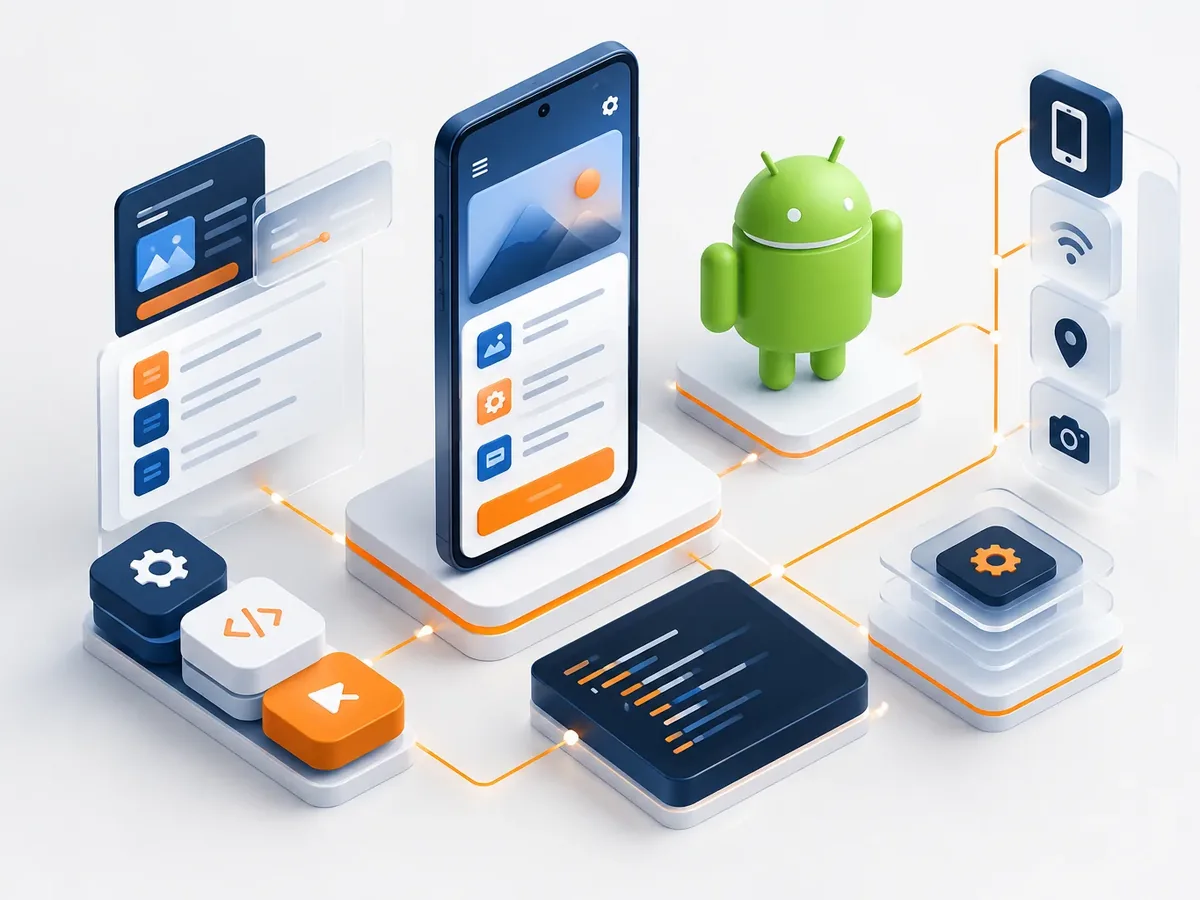
Design
- Material Design–based interface with your branding.
- Support for different Android screens and versions.
- Dark mode and accessibility.
Development
- Native Kotlin or Flutter, depending on the case.
- Camera, GPS, Bluetooth, and barcode scanning.
- Offline mode and sync.
Distribution
- Google Play publishing.
- Private distribution for internal teams.
- Crash monitoring and updates.
How we build your Android app
We design before we code, deliver in versions you can test on your phone, and support you through launch and later improvements.

-
Step 1: Discovery
We define users, goals, must-have features, and what can wait for a second version.
You: tell us about the idea and your users
You get: the scope of the first version -
Step 2: UX/UI design
We create the screen flow and a clickable Figma prototype to validate it before coding.
You: test the prototype on your phone
You get: an approved prototype -
Step 3: Sprint-based development
We build in short cycles and deliver installable test versions.
You: test each version
You get: a working test app -
Step 4: Testing and publishing
We test on multiple devices and publish on Google Play, the App Store, or your own domain.
You: give us access to your store accounts
You get: a published app -
Step 5: Ongoing improvement
We measure usage, fix issues, and plan the next versions.
You: share your feedback
You get: a release plan and support
What kind of mobile app do you need? Find out in a minute
Four questions to find out whether a cross-platform app or a native Android or iOS app is right for you.
We recommend
A cross-platform app
We recommend
An Android app
We recommend
An iPhone app
Android apps by industry
Every industry needs something different. These are the Android app use cases we handle most.
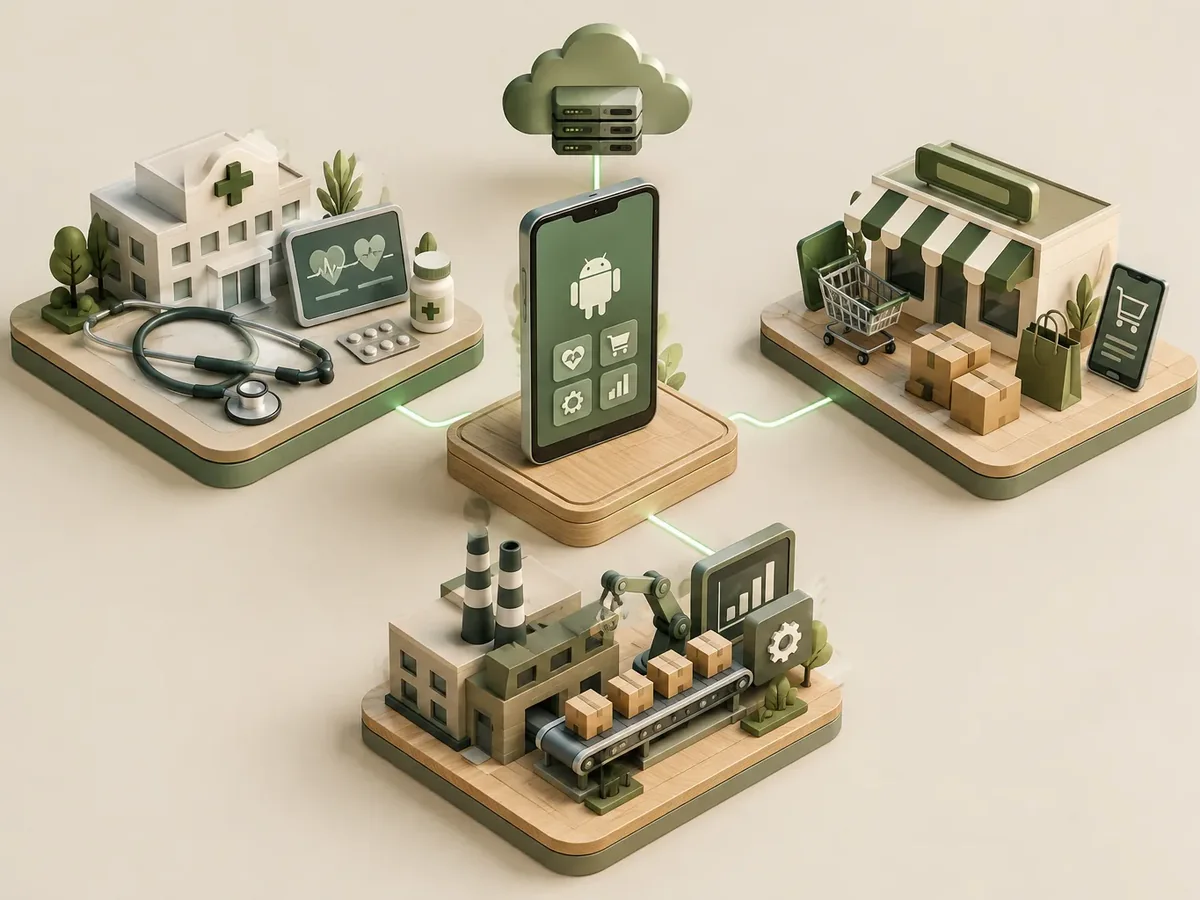
Distribution and logistics
Couriers and sales reps with rugged Android devices.
Manufacturing
Plant inspections, maintenance, and quality control.
Neighborhood retail
Customers who mostly use Android.
Custom Android app or off-the-shelf app
Off-the-shelf apps are fine to get started, but they don’t reflect your process or your brand.
Off-the-shelf third-party app
- Features
- Whatever the template includes.
- Brand
- Looks the same as other businesses’ apps.
- Devices
- May fail on low-end devices.
- Data
- On a third-party platform.
Android app by PACOWEB
- Features
- Whatever your business needs.
- Brand
- Your brand on every screen.
- Devices
- Tested on your users’ devices.
- Data
- On your infrastructure.
Does your team work on Android phones? We’ll show you how an app can organize their work.
FAQ about Android app development
Can’t find your question?
Message an advisor and we’ll get back to you during business hours (Bogotá time, UTC-5).
Does it work on low-end phones?
Yes. We optimize it and test it on low-, mid-, and high-end devices to ensure good performance.
Can I distribute it without Google Play?
Yes. For internal use, it can be distributed privately or through mobile device management tools.
How much does a Google Play account cost?
Google charges a one-time developer registration fee; we help you create the account in your company’s name.
Can I get an iPhone version later?
Yes. If we build it cross-platform, the iOS version takes little extra work.
What other names are Android apps known by?
Also known as Android app programming, Android apps, or Kotlin development. It’s related to Android, iOS, Flutter, React Native, Google Play and App Store publishing, and push notifications, topics we review with you when the project calls for them.
Related services
Services that often complement the development of this app.
Get a quote for your Android app
Tell us what the app will do, who will use it, and whether it will be public or for your team.
- 1You contact us through the form or on WhatsApp.
- 2We talk about your business and what you need.
- 3You get the proposal in writing, with scope, timeline, and price.

Request your proposal
We reply during business hours (Bogotá time, UTC-5), usually the same day.