
Custom ERP development for US businesses
We build custom ERP systems that bring inventory, purchasing, sales, production, and finance together in a single database. Every department works with the same information, manual cross-checking between spreadsheets ends, and management gets the full picture of the business.
Updated:
- Departments connected in real time
- Modules that fit your operation
- E-invoicing integration
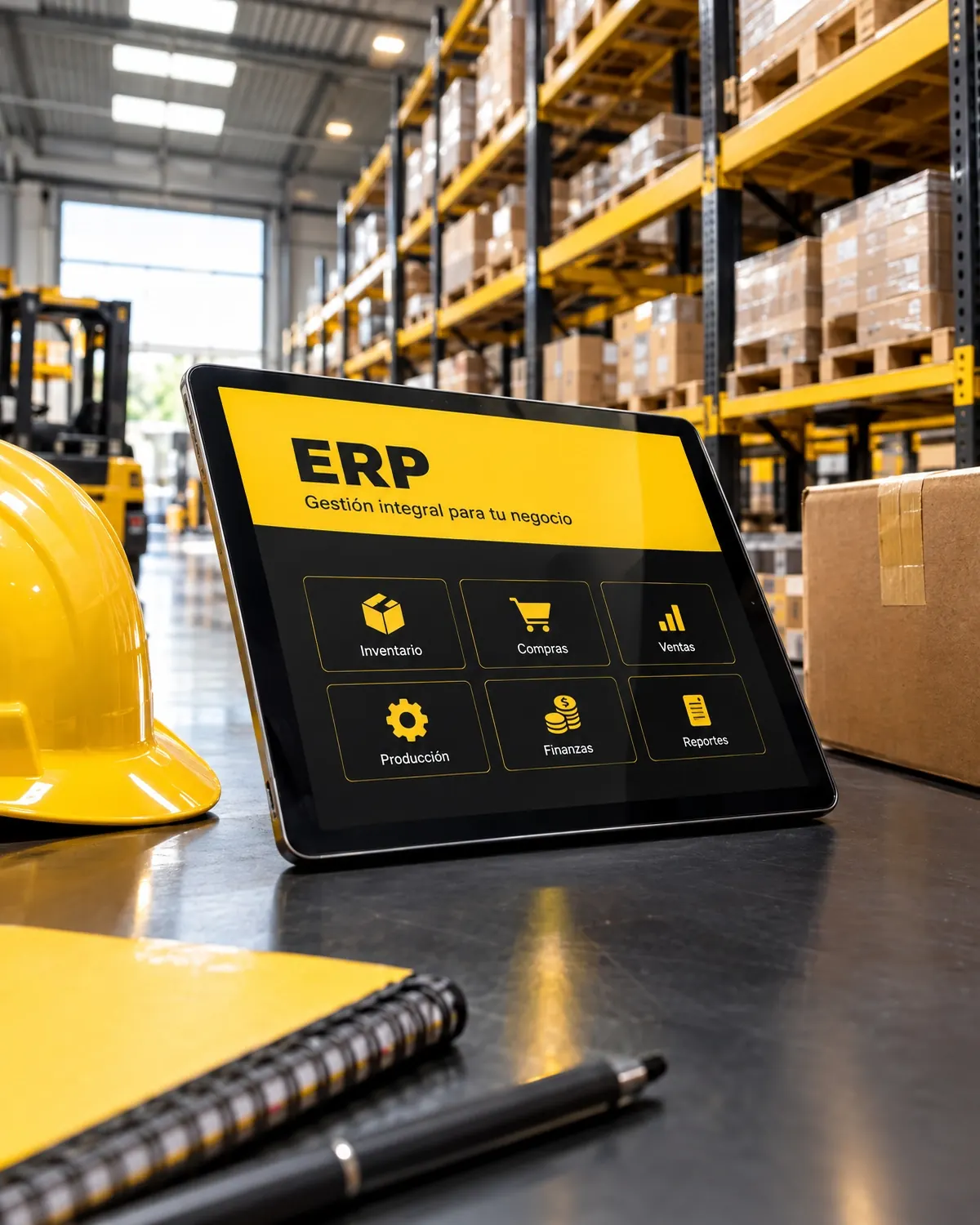
A single version of your data
900+ projects delivered
What your ERP development includes
We build your resource planning system in modules, starting with the one that saves you the most time.
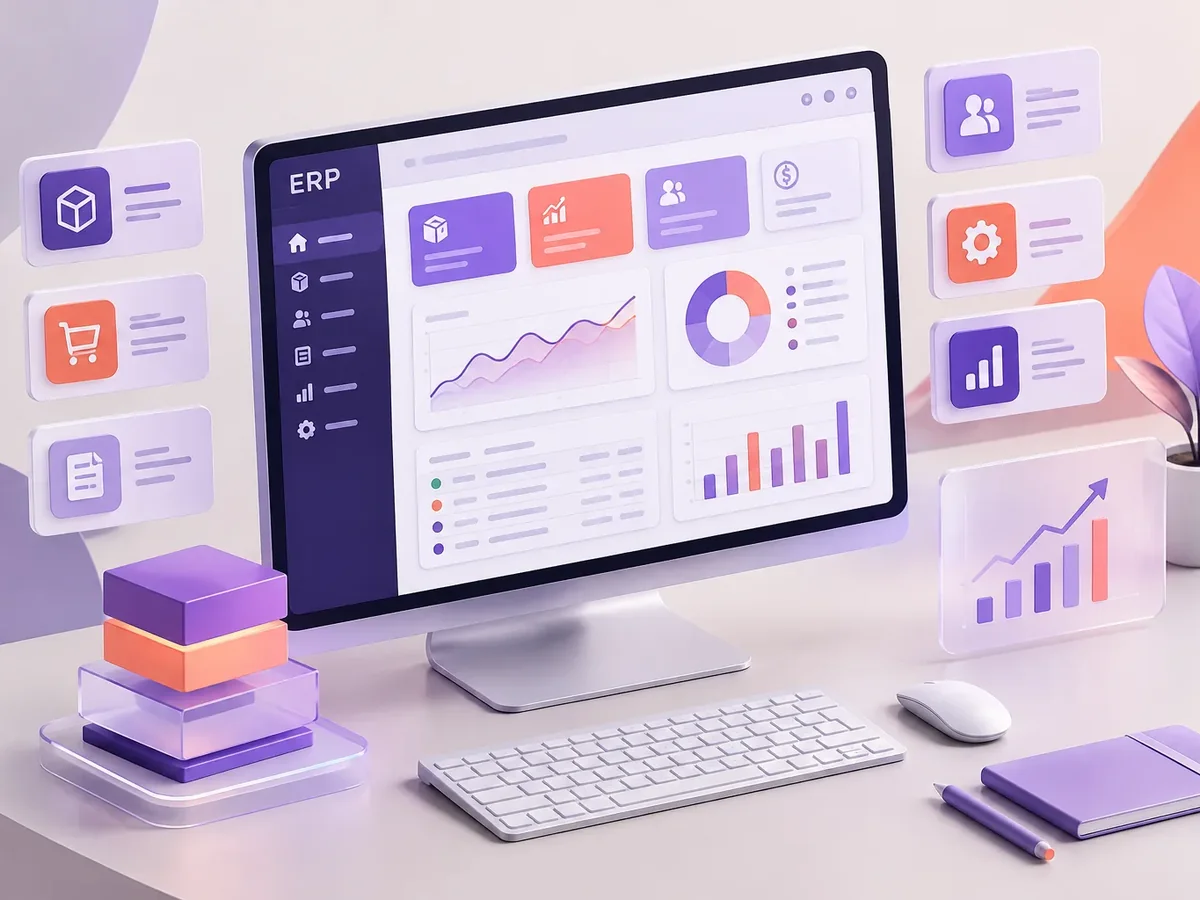
Operations modules
- Multi-warehouse inventory with stock ledger and low-stock alerts.
- Purchasing, purchase orders, and receiving.
- Sales, orders, and shipping.
Finance and control
- Accounts receivable and payable.
- Costs by product, cost center, or project.
- Connection to your accounting and e-invoicing software.
Management and security
- Roles and permissions by department and location.
- Audit log of every change.
- Automatic backups and secure access.
How we build your ERP, module by module
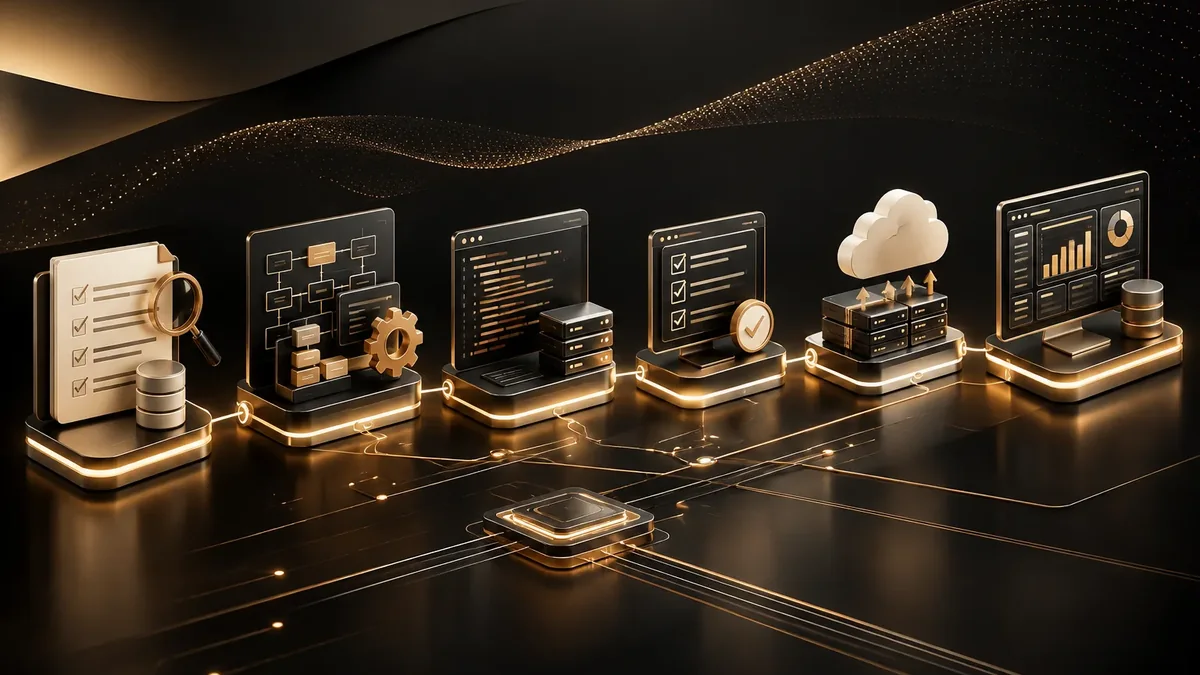
We work in short stages, with deliverables you can test. You always know what’s being built, what’s left, and what we need from your team.
-
Step 1: Assessment
We review your current tools, who uses them, and where time or information gets lost.
You: give us access to what you use today
You get: an assessment and scope proposal -
Step 2: Functional design
We define roles, permissions, business rules, and the screens each user needs.
You: validate rules and roles
You get: a functional spec and prototype -
Step 3: Build
We develop in two-week cycles with progress demos.
You: attend the demos
You get: a test version every cycle -
Step 4: Launch
We deploy to a secure server, connect integrations, and train your team.
You: schedule the training
You get: a live platform and user guide
Types of ERPs we build
Your ERP is built with the modules your company actually uses.
-
ERP for manufacturing
Production orders, bills of materials, material usage, and manufacturing costs.
-
ERP for distribution
Inventory by warehouse, orders, delivery routes, and accounts receivable by customer.
Inventory management software development -
ERP for service businesses
Projects, hours, contracts, and recurring billing.
Project management software development -
ERP for retail
Points of sale, centralized inventory, and online store, all in sync.
Off-the-shelf ERP vs. custom ERP
An off-the-shelf ERP can work; here’s what changes when the system is built for your operation.
Off-the-shelf ERP
- Implementation
- Months of configuration and consulting.
- Fit with your process
- Your processes have to fit the software’s standard.
- Licenses
- Annual costs per user and per module.
- Future changes
- They depend on the vendor’s roadmap.
PACOWEB custom ERP
- Implementation
- Modules in use from the first deliveries.
- Fit with your process
- The system reflects how your company operates.
- Licenses
- No per-user licenses.
- Future changes
- We add modules as your business needs them.
Has your company outgrown its spreadsheets? Schedule a call and we’ll look at which module makes sense to build first.
What management system does your business need? Find out in a minute
Four questions to pinpoint the type of software that solves your main problem. If it helps, we’ll add the result to your request.
We recommend
A CRM tailored to your sales process
We recommend
An ERP that connects your departments
We recommend
A project management platform
We recommend
A custom business platform
ERPs for businesses in different industries
The same ERP doesn’t work the same way for a factory and a distributor. Here’s how we adapt it.
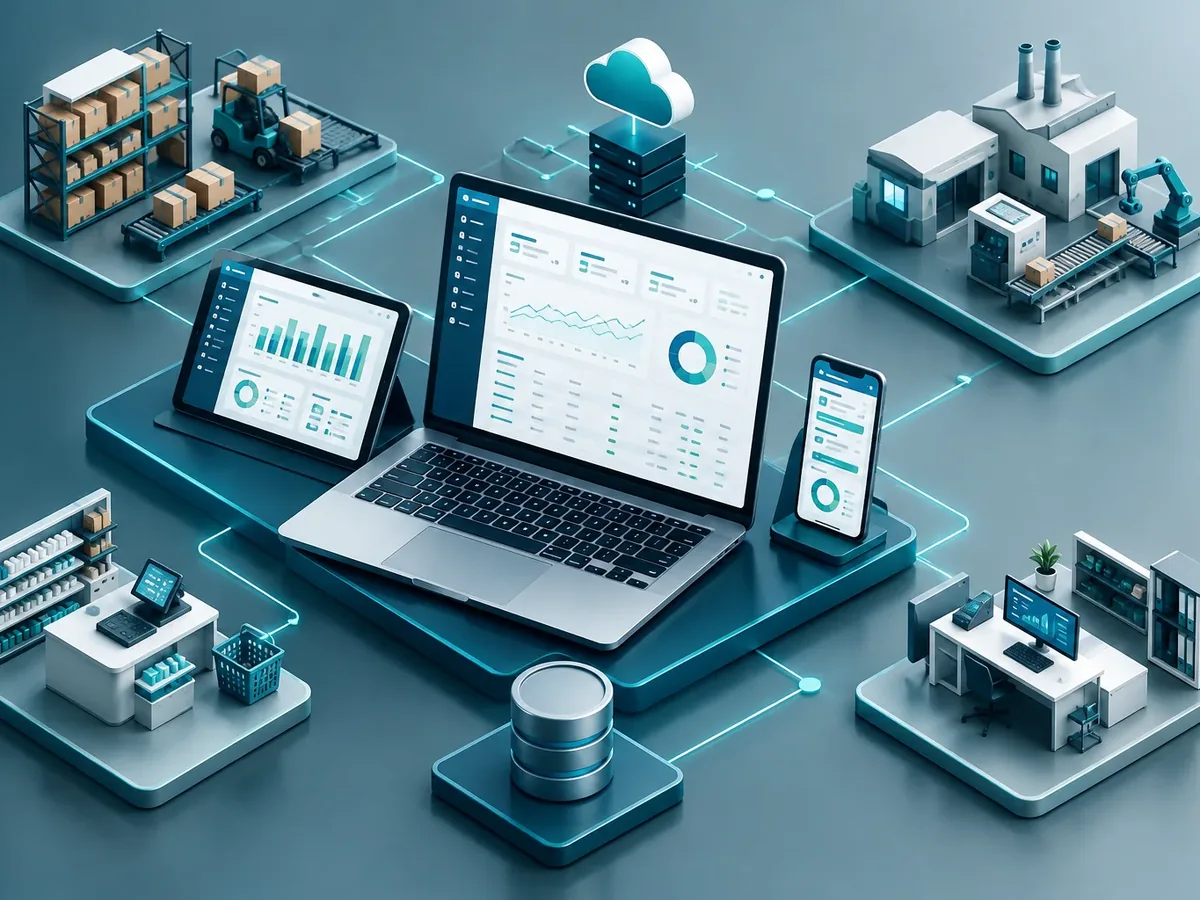
Manufacturing
Production, quality, and actual costs per work order.
Distribution and wholesale
Warehouses, shipping, and customer-specific price lists.
Construction
Construction budgets, purchasing by project, and progress tracking.
FAQ about custom ERP development
What is an ERP and what is it used for?
An ERP (enterprise resource planning) system is software that connects your company’s departments, including inventory, purchasing, sales, production, and finance, so they all work with the same information.
Can I start with just one module?
Yes, and that’s what we recommend. We start with the module that costs you the most time or money today and add the rest over time.
Does the ERP replace my accounting software?
Not necessarily. We can integrate it with your accounting and e-invoicing software so information flows without entering it twice.
Does it work across multiple locations?
Yes. The ERP is a web application, so it works across all your locations and warehouses, with permissions by location.
What else are ERP systems called?
People also search for it as custom ERP software, enterprise resource planning system, or personalized ERP. It ties in with CRM, ERP, business management software, inventory management, and invoicing, which we review with you when your project needs them.
Can’t find your question?
Related services
What clients most often add to this project.
Get a quote for your company’s ERP
Tell us which departments you want to connect and what systems they use today. We’ll suggest where to start and how much each module costs.
- 1You contact us through the form or on WhatsApp.
- 2We talk about your business and what you need.
- 3You get the proposal in writing, with scope, timeline, and price.

Request your proposal
We reply during business hours (Bogotá time, UTC-5), usually the same day.