Mobile apps
Interfaces for iOS and Android.
Mobile app developmentAn app can work perfectly and still fail if it's confusing. We design the experience (UX) and interface (UI) of mobile and web apps: we get to know your users, organize the information, create clear screens with their own identity and deliver a design system ready for any team to build.
Updated:

Design you can use without a manual
900+ projects delivered
From understanding users to final screens.
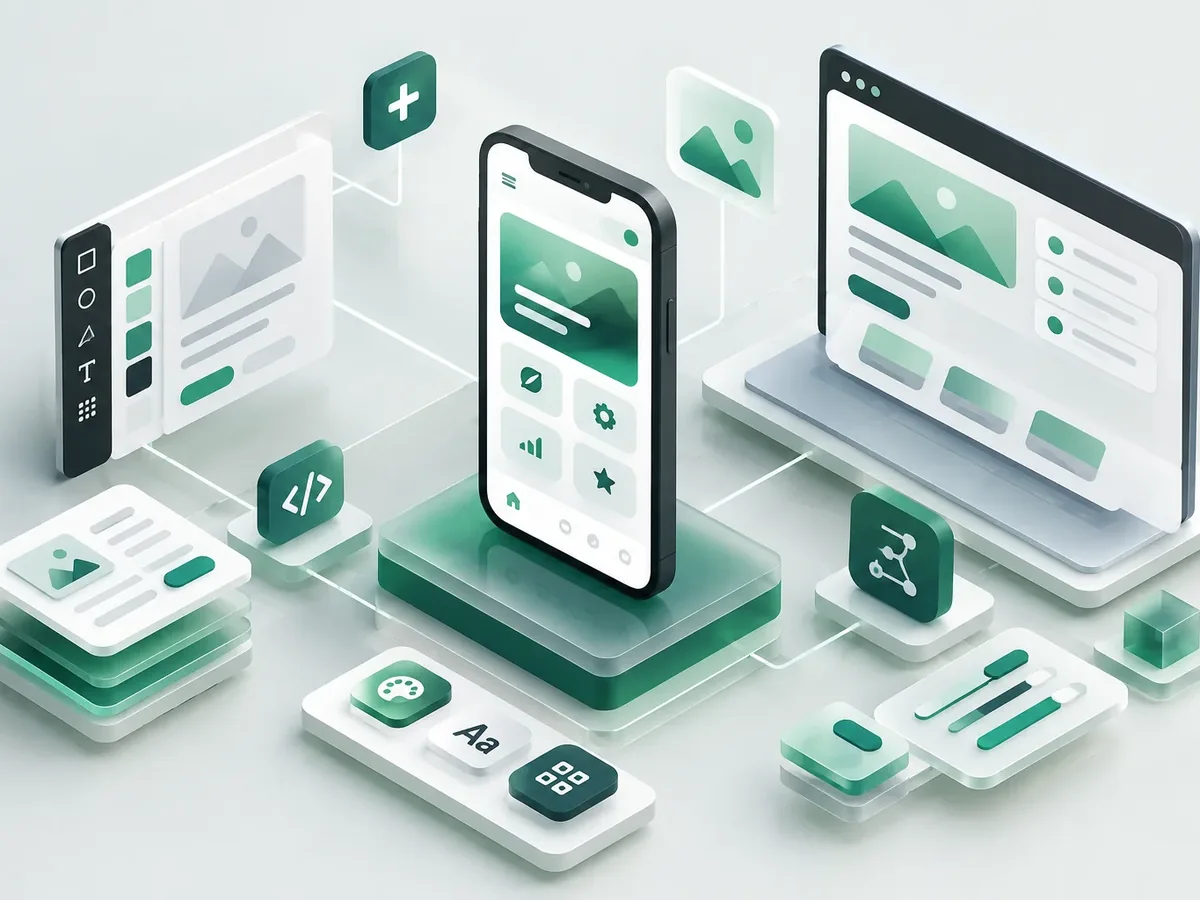
Fixing a design problem during development costs far more than fixing it in Figma.
| Aspect | No upfront design | With UX/UI by PACOWEB |
|---|---|---|
| Decisions | The developer makes them. | Based on users. |
| Changes | Costly in code. | Quick in the prototype. |
| Consistency | Every screen looks different. | Design system. |
| Adoption | Users who drop off. | Users who get it and come back. |
Building an app? Start with design and save on development.
For new or existing apps.
Interfaces for iOS and Android.
Mobile app developmentBrowser-based tools and products.
Web app developmentData-heavy screens that are easy to use.
Enterprise software UI designTo validate before writing code.
App prototyping in FigmaWe design before we code, deliver in versions you can test on your phone, and support you through launch and later improvements.

We define users, goals, must-have features, and what can wait for a second version.
You: tell us about the idea and your users
You get: the scope of the first version
We create the screen flow and a clickable Figma prototype to validate it before coding.
You: test the prototype on your phone
You get: an approved prototype
We build in short cycles and deliver installable test versions.
You: test each version
You get: a working test app
We test on multiple devices and publish on Google Play, the App Store, or your own domain.
You: give us access to your store accounts
You get: a published app
We measure usage, fix issues, and plan the next versions.
You: share your feedback
You get: a release plan and support
Experiences we design often.
Clarity and trust when handling money.
Interfaces for all ages and abilities.
Fast, frictionless checkout.
Three questions to find out whether your priority is to design, redesign, modernize or maintain.
We recommend
UI/UX design
We recommend
Enterprise software interfaces
We recommend
Figma prototype
We recommend
Modernize your app
We recommend
Maintenance and support
Can’t find your question?
Message an advisor and we’ll get back to you during business hours (Bogotá time, UTC-5).
Figma files with screens, a clickable prototype and a design system with components and specs.
Yes, we deliver everything any team needs to build it and can support the review.
Yes: contrast, text sizes, touch targets and screen readers.
It depends on the number of screens and flows; we give you a timeline along with the scope.
People also search for this as user experience design, app interface design or UX/UI designer. It ties in with Figma prototypes, wireframes, usability testing, technical support and updates, which we review with you when your project needs them.
Services that often complement the development of this app.
UI/UX design: these services are related, but they solve different things. Choose based on what you need.
Tell us what app you want to design, who it's for and whether you've already built anything.
We reply during business hours (Bogotá time, UTC-5), usually the same day.