
UI/UX redesign for your app
If your users get lost, drop off halfway, or your app looks outdated next to the competition, it’s time to redesign it. We audit the current experience with real data and real users, identify the friction points, and design a new experience and interface that keeps what works and fixes what doesn’t.
Updated:
- Diagnosis with real data
- Less user drop-off
- A modern, consistent look
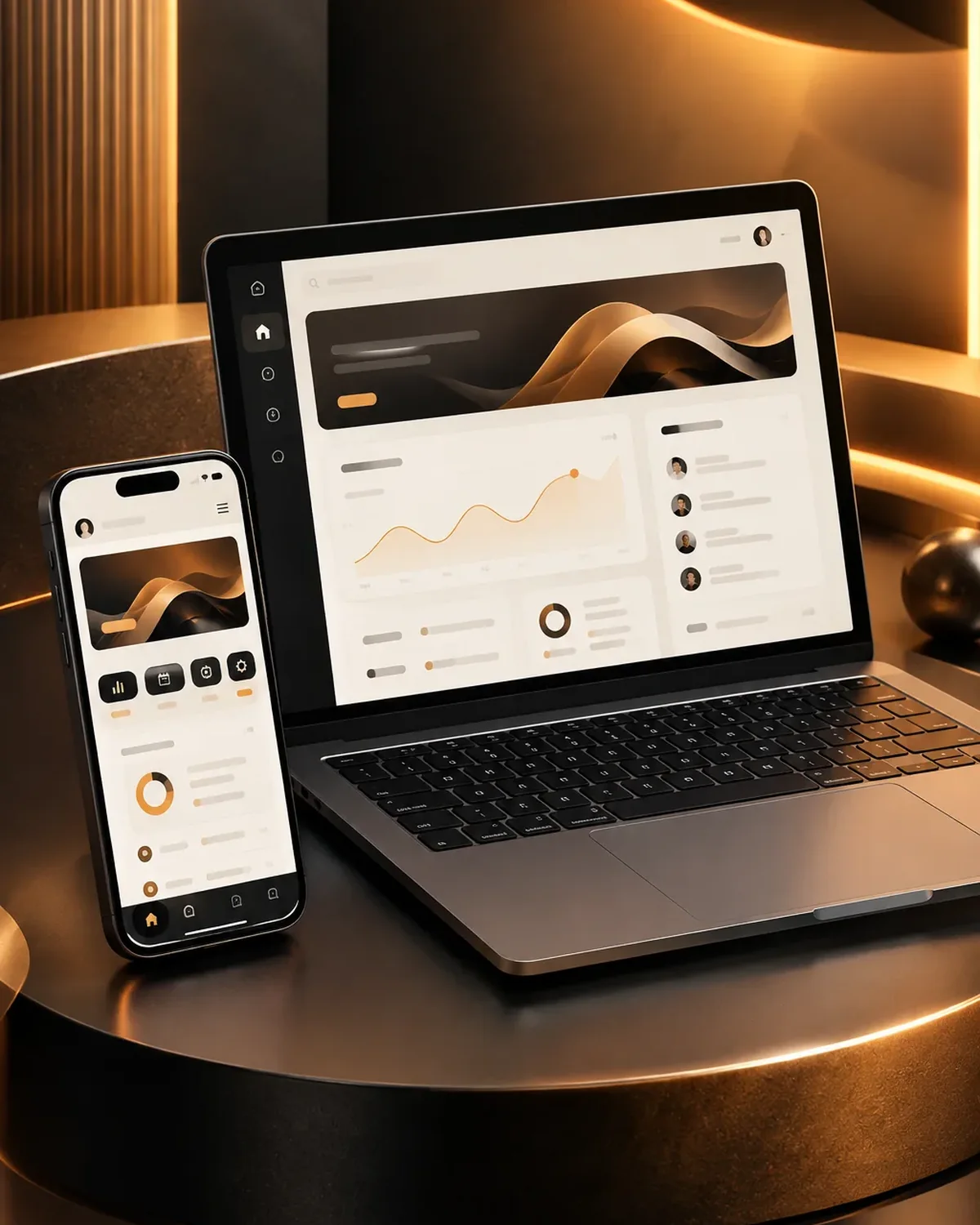
Your app, refreshed
900+ projects delivered
What we redesign
Apps and platforms of all kinds.
-
Mobile apps
Experience on iOS and Android.
-
Web apps
Browser-based tools and portals.
What does your app need in design or maintenance? Find out in a minute
Three questions to find out whether your priority is to design, redesign, modernize or maintain.
We recommend
UI/UX design
We recommend
Enterprise software interfaces
We recommend
Figma prototype
We recommend
Modernize your app
We recommend
UI/UX redesign
We recommend
Maintenance and support
What UI/UX redesign includes
An evidence-based redesign.
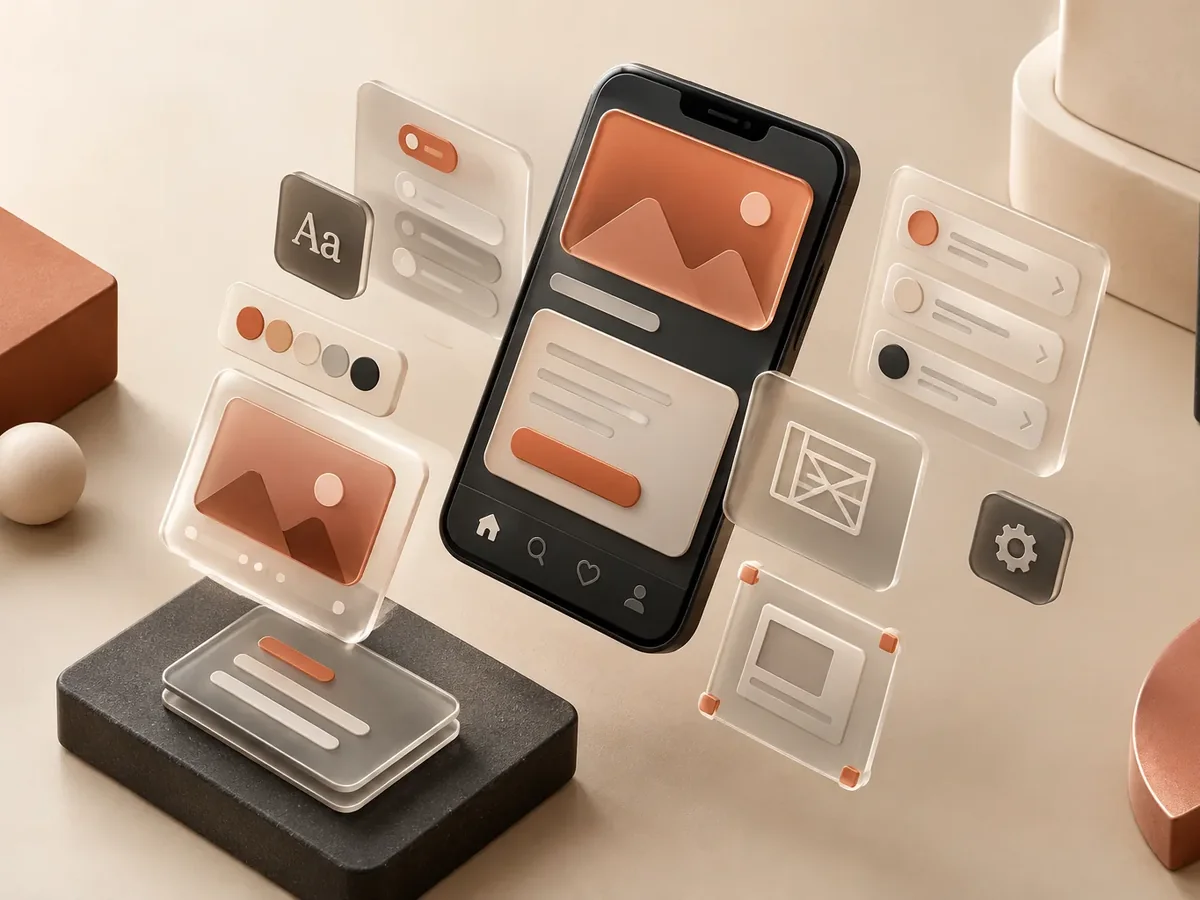
Audit
- Heuristic usability evaluation.
- Metrics and funnel analysis.
- User testing.
Redesign
- New flows for key tasks.
- Updated interface with your brand.
- Prototype for validation.
Implementation
- Design system for your team.
- Support during development.
- Before-and-after measurement.
Redesign by type of app
Where the experience directly affects the business.

Retail apps
Fewer abandoned carts.
Fintech apps
Simpler sign-up processes.
Educational apps
More students who finish their courses.
How we redesign your app
We design before we code, deliver in versions you can test on your phone, and support you through launch and later improvements.

-
Step 1: Discovery
We define users, goals, must-have features, and what can wait for a second version.
You: tell us about the idea and your users
You get: the scope of the first version -
Step 2: UX/UI design
We create the screen flow and a clickable Figma prototype to validate it before coding.
You: test the prototype on your phone
You get: an approved prototype -
Step 3: Sprint-based development
We build in short cycles and deliver installable test versions.
You: test each version
You get: a working test app -
Step 4: Testing and publishing
We test on multiple devices and publish on Google Play, the App Store, or your own domain.
You: give us access to your store accounts
You get: a published app -
Step 5: Ongoing improvement
We measure usage, fix issues, and plan the next versions.
You: share your feedback
You get: a release plan and support
New colors vs. a UX/UI redesign
A real redesign goes beyond appearance.
Visual change only
- Starting point
- Personal taste.
- Scope
- Colors and fonts.
- Result
- It looks different.
- Measurement
- None.
UX/UI redesign by PACOWEB
- Starting point
- Data and users.
- Scope
- Flows, content, and interface.
- Result
- It works better.
- Measurement
- Before-and-after metrics.
Do you know where your users drop off? Let’s audit your app.
FAQ about app UI/UX redesign
Can’t find your question?
Message an advisor and we’ll get back to you during business hours (Bogotá time, UTC-5).
Does a redesign mean rewriting everything?
Not necessarily; many improvements are rolled out in phases on top of the existing app.
How will we know if it worked?
We define metrics such as conversion, drop-off, or time on task and compare them before and after.
Will my users be confused by the change?
We plan the transition and, when it makes sense, roll out the changes gradually.
Can you redesign an app you didn’t build?
Yes, we just need access to the app and, if possible, its metrics.
What else is UI/UX redesign called?
People also search for this as app redesign, improve app usability, or refresh an app interface. It relates to Figma prototypes, wireframes, usability testing, technical support, and updates, topics we review with you when your project needs them.
Related services
Services that often complement the development of this app.
Which of these services do you need?
UI/UX design: these services are related, but they solve different things. Choose based on what you need.
- If you need to design the interface for a new app: App UI/UX design
- If you need to improve the interface of an app your customers already use: App UI/UX redesign (you are here)
Get a quote to redesign your app
Tell us about your app, the problems you notice, and whether you have usage metrics.
- 1You contact us through the form or on WhatsApp.
- 2We talk about your business and what you need.
- 3You get the proposal in writing, with scope, timeline, and price.
Request your proposal
We reply during business hours (Bogotá time, UTC-5), usually the same day.