Multi-warehouse inventory
Stock by location, shelf, and site.
We build inventory systems that tell you, in real time, what you have, where it is, and what it’s worth. Receipts, issues, transfers, lots, and expiration dates are all logged, with barcodes and low-stock alerts so you don’t run out of product or tie up cash in your warehouse.
Updated:
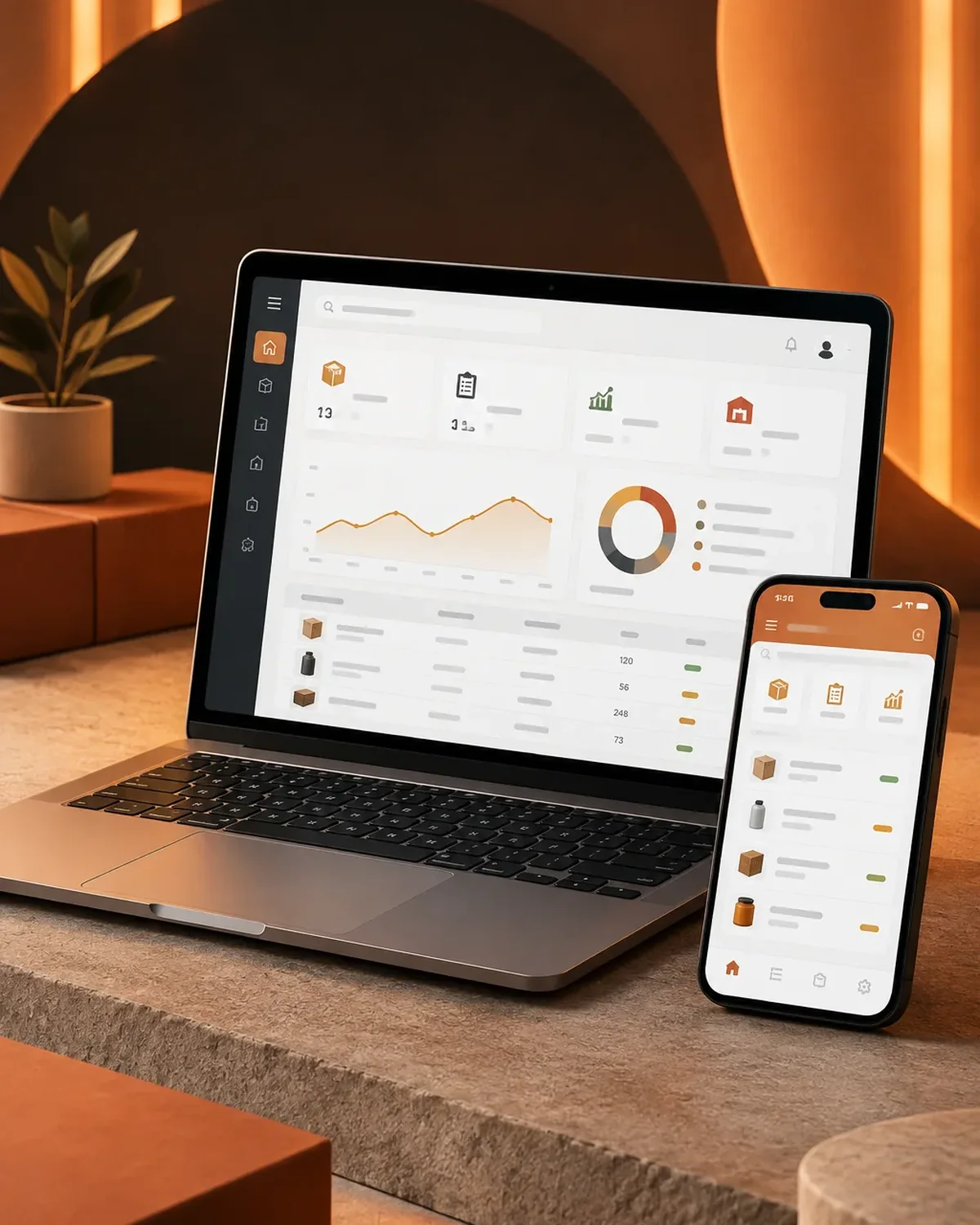
You know what you have and where it is
900+ projects delivered
Stock control designed around the way your goods move.

Excel works with a handful of SKUs; with more movement, mistakes get expensive.
Does your physical inventory never match the system? Tell us how you handle it today and we’ll propose a solution.
From a single warehouse to entire distribution networks.
Stock by location, shelf, and site.
Assets, tools, and equipment with full service history.
Connected to purchasing, sales, and accounting.
Custom ERP developmentStock synced with your e-commerce store.
We work in short stages, with deliverables you can test. You always know what’s being built, what’s left, and what we need from your team.

We interview the departments that will use the system and map how information flows today.
You: show us how you work today
You get: a process map and scope
We design the main screens in a clickable prototype to validate them before writing code.
You: test the prototype with your team
You get: an approved prototype
We build and deliver module by module, so your team can start using it soon.
You: test each module
You get: working modules in testing
We load your current data, train each role, and support you through launch.
You: hand over your databases
You get: a live system and user manuals
We measure actual usage and make any needed adjustments during the support period.
You: report adjustments through the support channel
You get: a usage and improvements report
Businesses where inventory is the capital.

Lots, expiration dates, and cold chain under control.
Thousands of SKUs with shelf locations.
Ingredients, recipes, and theoretical vs. actual usage.
Four questions about your daily operations so we can recommend where to start systematizing.
We recommend
An inventory management system
We recommend
A booking and appointment scheduling system
We recommend
A document management system
We recommend
An order tracking system
We recommend
A customer service platform
We recommend
A field service management system
We recommend
A logistics and transportation platform
Yes, with USB or Bluetooth scanners, or with a phone's camera.
Yes, with stock by warehouse, transfers, and permissions by location.
Yes. Sales deduct inventory automatically if we integrate your billing software or your e-commerce store.
From your current Excel file, or with a physical count using a phone as the scanner.
It’s also known as inventory software, inventory control, or a warehouse management system. It’s related to logistics, fleet management, work orders, traceability, and route planning, topics we review with you when the project calls for them.
Can’t find your question?
What clients most often add to this project.
Tell us how many SKUs and warehouses you manage and how you track stock today.
We reply during business hours (Bogotá time, UTC-5), usually the same day.