
Apps with a custom admin dashboard
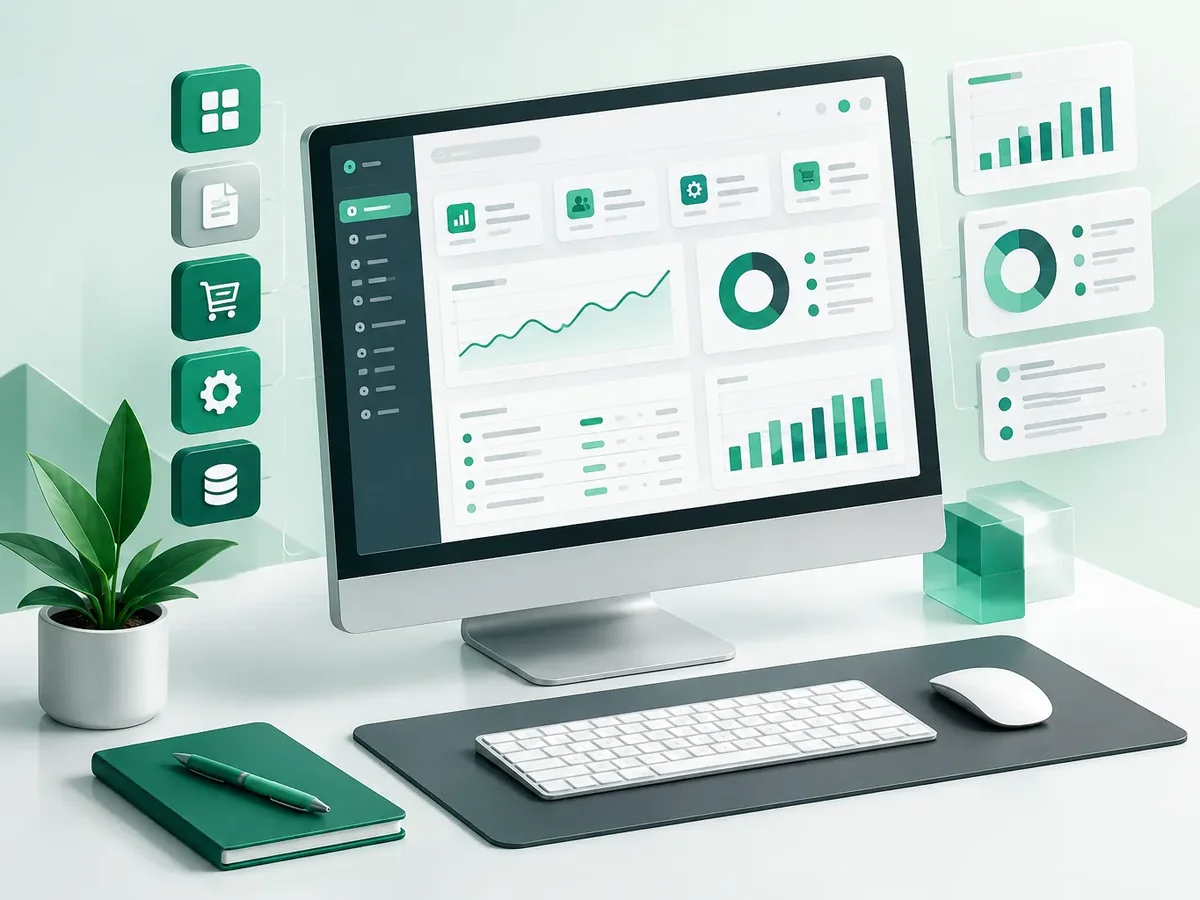
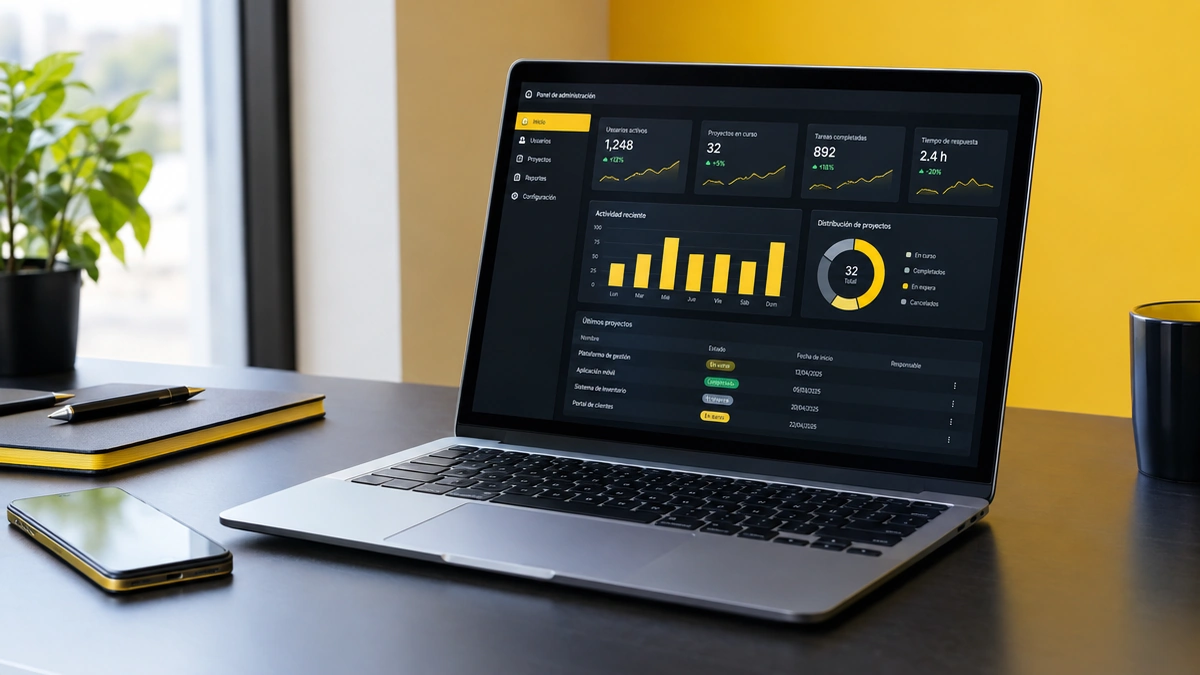
Every app needs a control center. We build admin dashboards (back office) where your team manages your app or platform's users, content, products, orders, payments, and reports, without depending on a developer. Clear, fast, and with role-based permissions.
Updated:
- Your team manages it without developers
- Role-based permissions
- Reports and exports

Your app's control center
10 years building for businesses
What your admin dashboard includes
Management tools built for everyday work.
Management
- Users, customers, and accounts.
- Content, products, and categories.
- Orders, payments, and requests.
Control
- Detailed roles and permissions.
- Activity log for each admin.
- Approvals and statuses.
Information
- Dashboard with key metrics.
- Filters, search, and Excel export.
- Notifications and alerts.
Dashboards we build
For new or existing apps.
-
E-commerce dashboard
Products, orders, inventory, and coupons.
-
Dashboard for existing systems
A new interface on top of your database.
What kind of web app do you need? Find out in a minute
Four questions to help you choose between a web app, a PWA, an admin dashboard, or an integration.
We recommend
A web app
We recommend
A PWA
We recommend
An admin dashboard
We recommend
Integrate APIs into your app
How we build your admin dashboard
We design before we code, deliver in versions you can test on your phone, and support you through launch and later improvements.
-
Step 1: Discovery
We define users, goals, must-have features, and what can wait for a second version.
You: tell us about the idea and your users
You get: the scope of the first version -
Step 2: UX/UI design
We create the screen flow and a clickable Figma prototype to validate it before coding.
You: test the prototype on your phone
You get: an approved prototype -
Step 3: Sprint-based development
We build in short cycles and deliver installable test versions.
You: test each version
You get: a working test app -
Step 4: Testing and publishing
We test on multiple devices and publish on Google Play, the App Store, or your own domain.
You: give us access to your store accounts
You get: a published app -
Step 5: Ongoing improvement
We measure usage, fix issues, and plan the next versions.
You: share your feedback
You get: a release plan and support
Managing from the database or from a dashboard
Many apps are managed by asking the developer for changes.
| Aspect | No dashboard | PACOWEB dashboard |
|---|---|---|
| Changes | Requires a developer. | Your team handles them. |
| Errors | Risk when touching the database. | Validations and permissions. |
| Information | Technical queries. | One-click reports. |
| Traceability | No one knows who changed what. | Activity log. |
Does your app depend on a developer for every change? Let's build the dashboard it's missing.
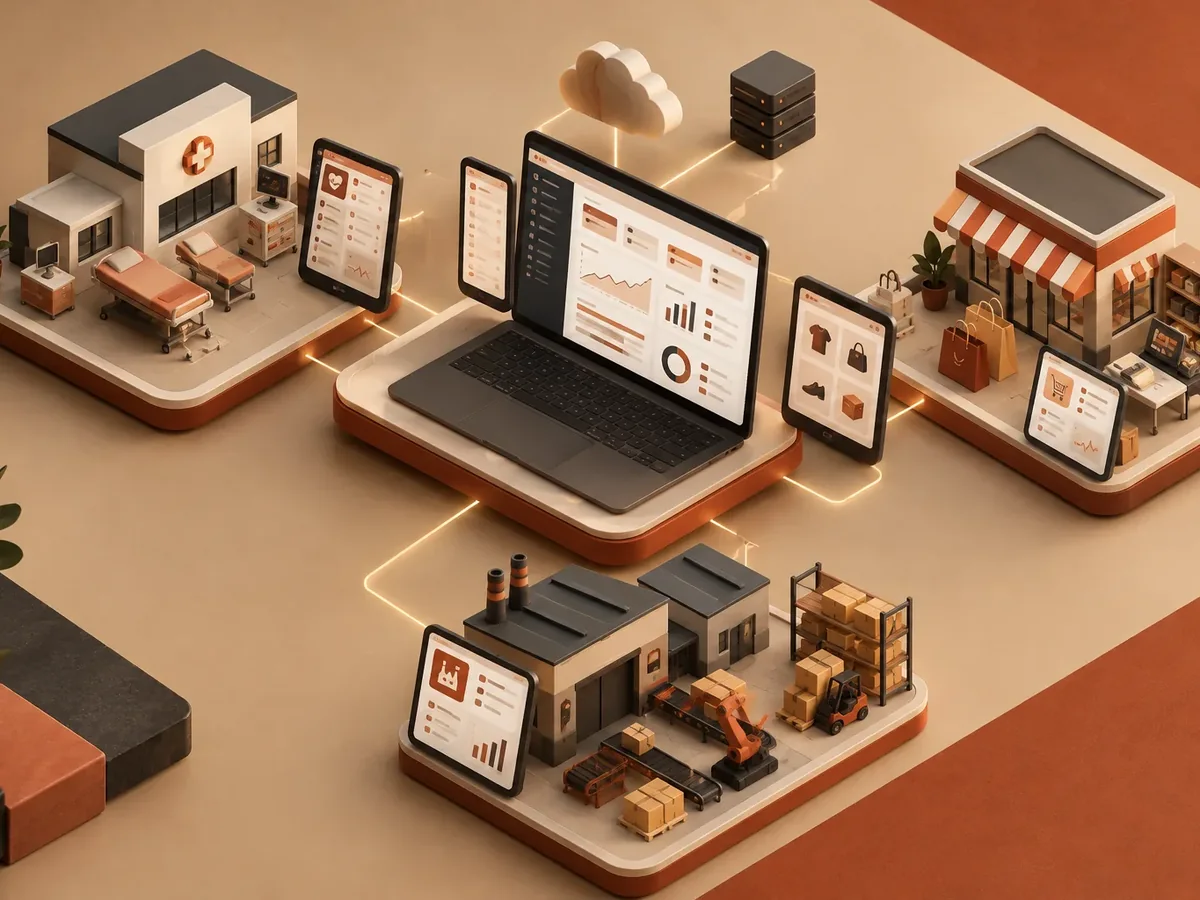
Admin dashboards by industry
Platforms with a lot of day-to-day management.
Retail
Large catalogs, orders, and promotions.
Education
Courses, students, and certificates.
Logistics
Shipments, drivers, and incidents.
FAQ: app development with admin dashboard
Can you build a dashboard for an app you didn't develop?
Yes, if we have access to its database or API; we review the existing architecture first.
Does the dashboard work on mobile?
Yes, it's responsive, although we prioritize the desktop experience for heavy-duty tasks.
Do you use templates or build from scratch?
We use proven components to move faster, and we custom design what your operation needs.
Can the data be exported?
Yes, to Excel or CSV with the filters you need.
What else are admin dashboards called?
People also search for custom back office, admin panel, or admin dashboard. This service is related to PWAs, progressive apps, React, Laravel, responsive design, and offline mode, topics we review with you when your project needs them.
Can’t find your question?
Related services
Services that often complement the development of this app.
Get a quote for your admin dashboard
Tell us which app or platform you need to manage and what tasks your team handles.
- 1You contact us through the form or on WhatsApp.
- 2We talk about your business and what you need.
- 3You get the proposal in writing, with scope, timeline, and price.

Request your proposal
We reply during business hours (Bogotá time, UTC-5), usually the same day.