SAP Business One and local ERPs
Orders, inventory, and receivables.
Your CRM and ERP hold the data, but they aren’t always built for mobile or for every user. We build mobile and web apps connected to those systems, with simple screens for each role, that read and write data in real time. All the power of your systems, right at your team’s fingertips.
Updated:

Your systems, closer at hand
10 years building for businesses
Solid integration and a simple experience.
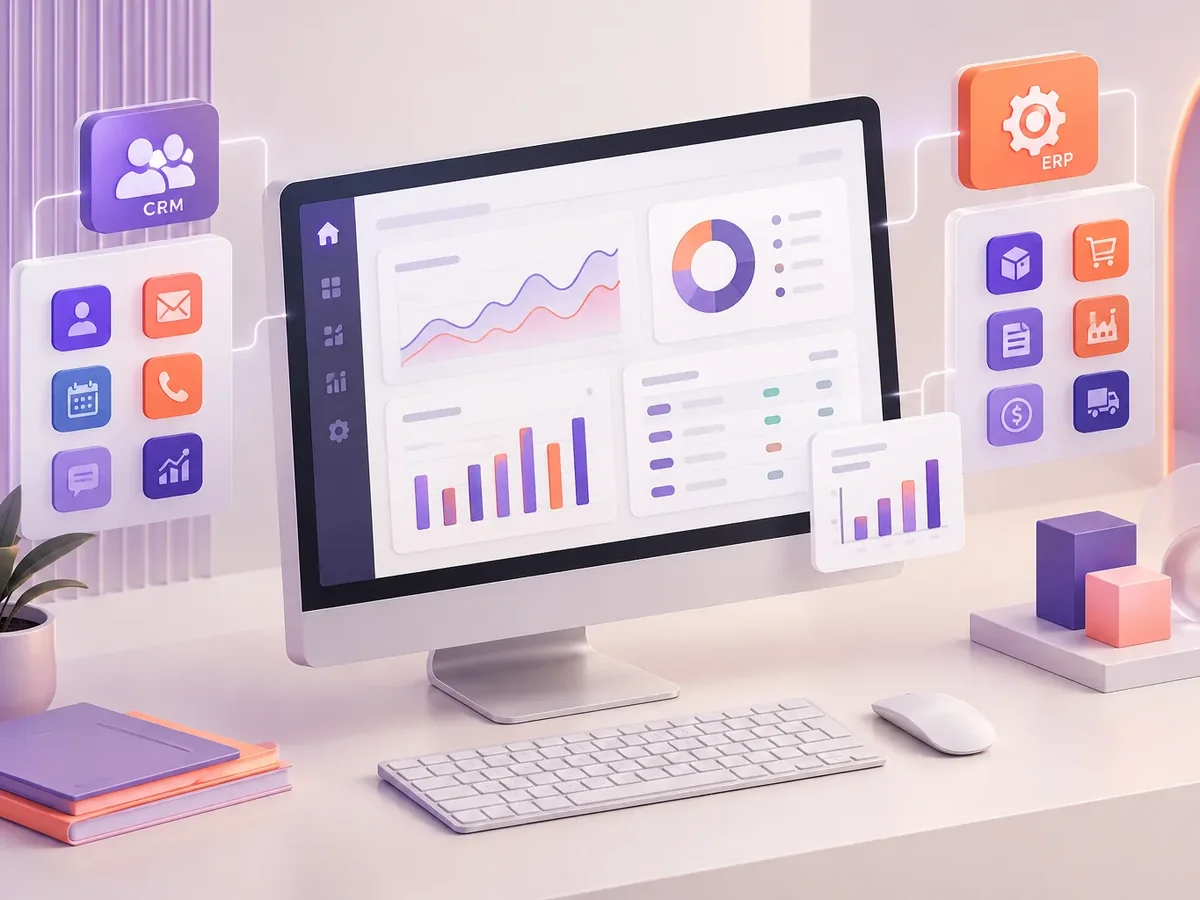
With the systems most commonly used in the region.
Orders, inventory, and receivables.
Contacts, opportunities, and activities.
Invoices, customers, and products.
When the systems need to be connected first.
CRM and ERP integrationFour questions to identify the app that would have the biggest impact on your operation.
We recommend
A business app
We recommend
A small business app
We recommend
An internal business app
We recommend
An app for sales reps
We recommend
A delivery app
We recommend
An app for professional services
We recommend
An app integrated with your CRM or ERP
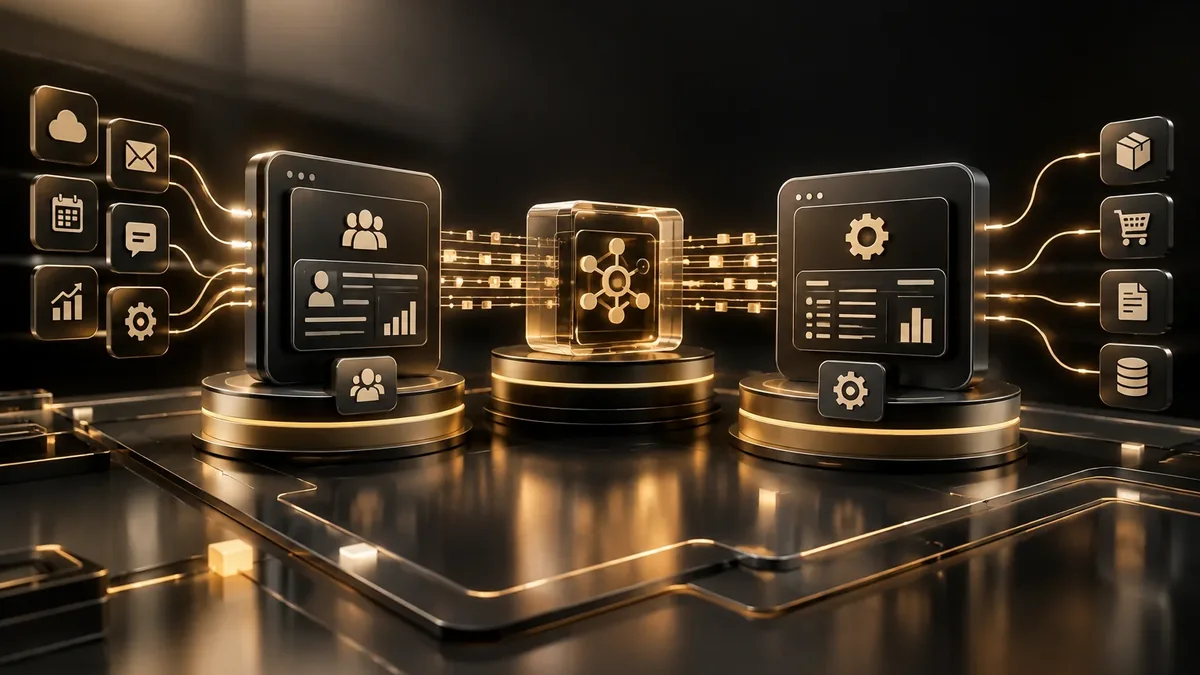
We design before we code, deliver in versions you can test on your phone, and support you through launch and later improvements.
We pin down the problem, the user, and the value proposition in a working session.
You: take part in the workshop
You get: a product map and priorities
We choose technology, infrastructure, and integrations with growth in mind.
You: approve costs and technical decisions
You get: an architecture document
We develop in short releases with progress demos.
You: attend the demos
You get: working versions
We go to market, measure behavior, and adjust.
You: define the success metrics
You get: a product in production and metrics
Official system apps tend to be generic and complex.
Does your team skip the CRM or ERP because it’s clunky on mobile? Let’s build an app that fits them.
Companies with robust core systems.
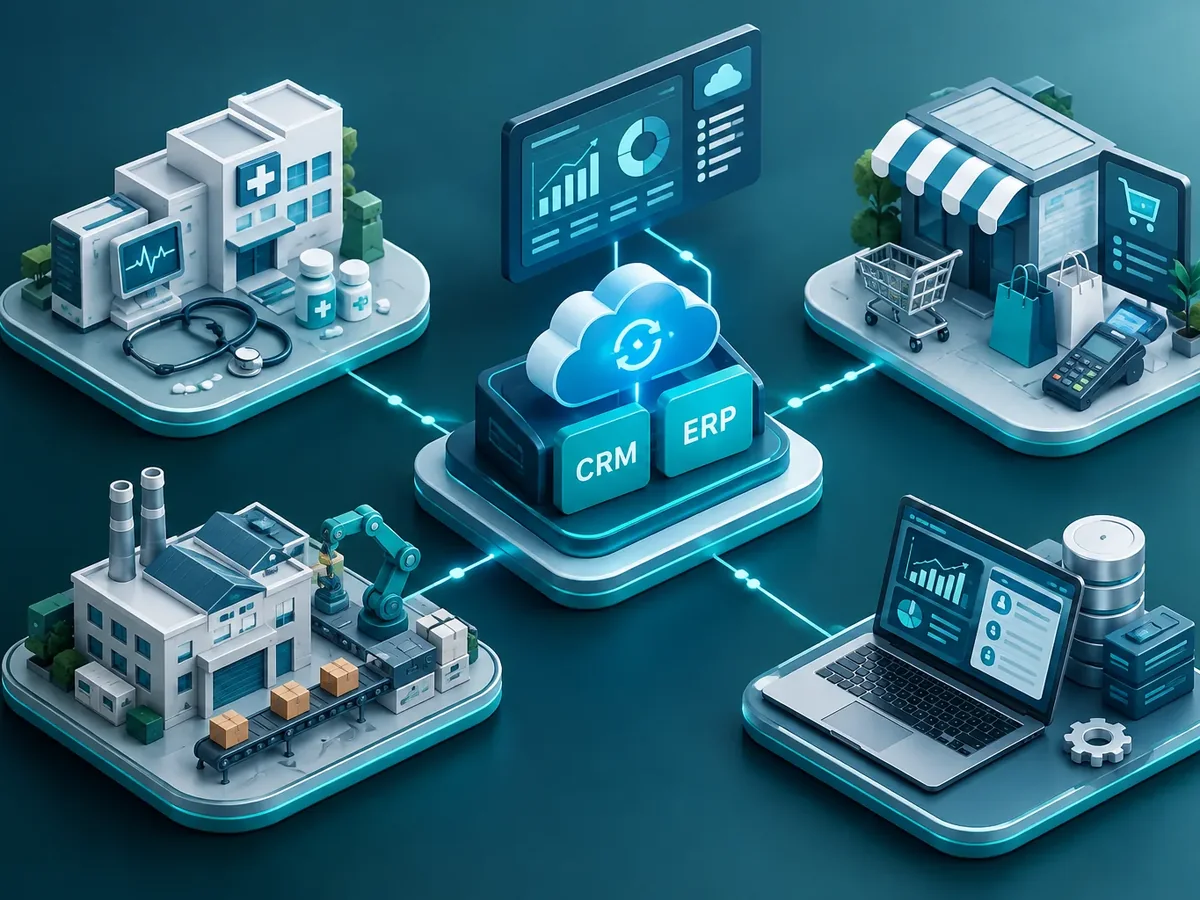
Orders and receivables from the ERP for sales reps.
Service orders and spare parts from the ERP.
Leads and available units from the CRM.
It needs an API or another secure way to connect, plus a user account with the required permissions.
No. The app reads and updates your system, which remains the main source of truth.
It depends on the vendor; we check beforehand to avoid surprises.
We adjust the integration layer, and the app keeps working for your users.
People also search for ERP-connected apps, SAP mobile apps, or HubSpot-connected apps. This service is related to corporate apps, sales force tools, inventory, ERP integration, and roles and permissions, topics we review with you when your project needs them.
Can’t find your question?
Services that often complement the development of this app.
Tell us which CRM or ERP you use, who would use the app, and what tasks they would do in it.
We reply during business hours (Bogotá time, UTC-5), usually the same day.