

Enterprise software modernization for US businesses
We modernize the software that runs your operation but has fallen behind: desktop programs, systems built on unsupported technology, or applications nobody dares to touch. We move them to a current, secure, maintainable web platform, migrating the data in stages so your business never stops.
Updated:
- Without losing historical data
- Migration in stages, without downtime
- Current, maintainable technology
Your system, up to date
900+ projects delivered
What your software modernization includes
A careful process to change the engine without stopping the car.
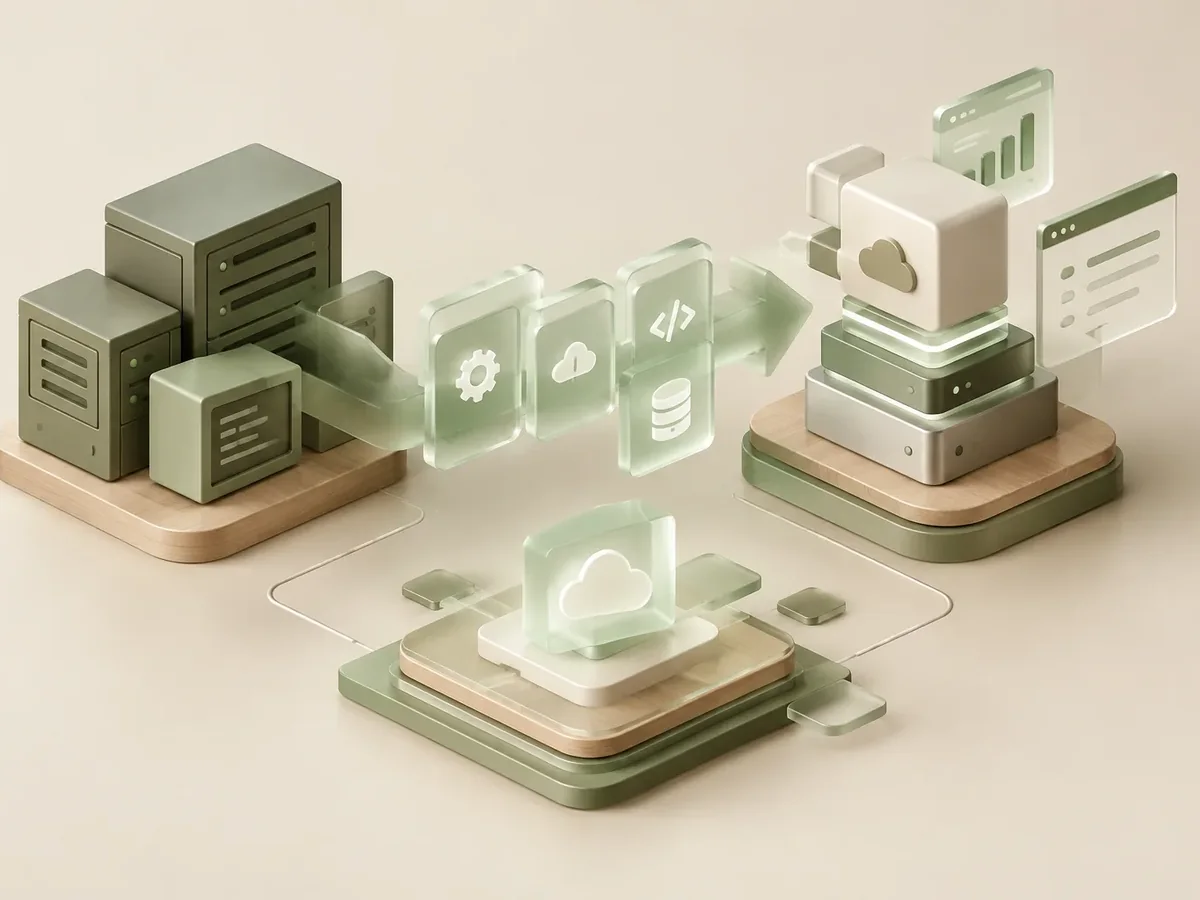
Assessment
- Inventory of the current system’s functions, reports, and rules.
- Analysis of the database and its quality.
- Module-by-module migration plan with risks.
Rebuild
- A new web application on current technology.
- A refreshed, easier-to-use interface.
- Security, backups, and remote access.
Transition
- Migration and validation of historical data.
- Both systems running side by side during the switch.
- Training and technical documentation.
How we modernize your software
We work in short stages, with deliverables you can test. You always know what’s being built, what’s left, and what we need from your team.

-
Step 1: Assessment
We review your current tools, who uses them, and where time or information gets lost.
You: give us access to what you use today
You get: an assessment and scope proposal -
Step 2: Functional design
We define roles, permissions, business rules, and the screens each user needs.
You: validate rules and roles
You get: a functional spec and prototype -
Step 3: Build
We develop in two-week cycles with progress demos.
You: attend the demos
You get: a test version every cycle -
Step 4: Launch
We deploy to a secure server, connect integrations, and train your team.
You: schedule the training
You get: a live platform and user guide
What we modernize
Systems that often need an overhaul.
-
Desktop programs
Applications installed on each computer, moved to the web.
-
Old databases
Access, FoxPro, and others, migrated to current database engines.
-
Outdated web systems
Applications on unsupported or insecure versions.
-
Isolated systems
Programs that didn’t communicate and are now integrated.
Enterprise systems integration via API
Keeping the old system or modernizing it
Sticking with an outdated system seems cheaper, until it fails.
Legacy system
- Access
- Only from office computers.
- Support
- Depends on one person, or on no one.
- Security
- Versions with no updates.
- Integration
- No way to connect other systems.
System modernized by PACOWEB
- Access
- From anywhere, on any device.
- Support
- Documented, maintainable code.
- Security
- Current technology and encryption.
- Integration
- Ready to integrate via API.
Does your company’s system depend on a single programmer or an old computer? Let’s figure out the best way to modernize it.
What do you need to solve with your data? Find out in a minute
Three questions to find out whether you need a KPI dashboard, a modernized version of your current software, or an internal financial system.
We recommend
A business dashboard
We recommend
Modernize your current software
We recommend
Internal financial management software
Modernization for different industries
Companies with in-house systems that are many years old.
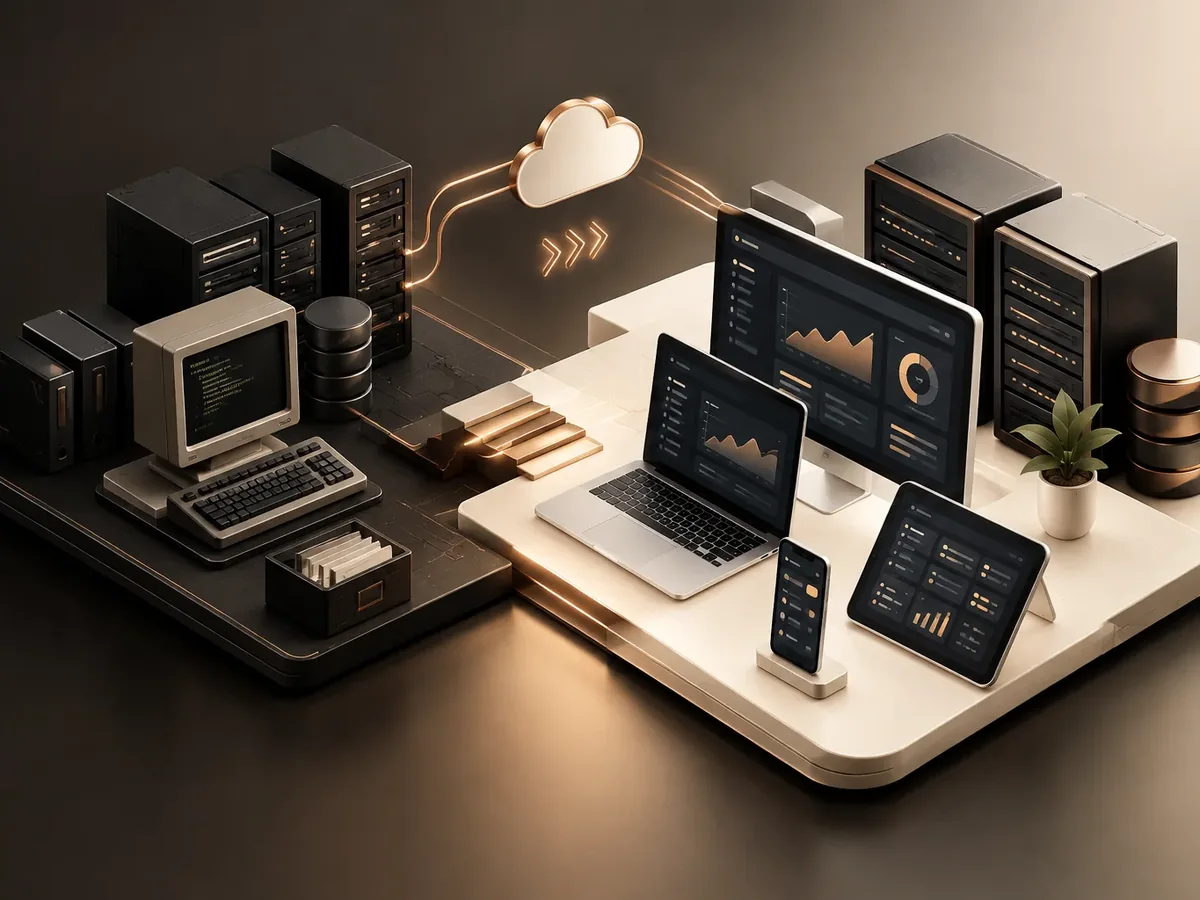
Manufacturing
Production and costing systems built decades ago.
Credit unions and member funds
Member, contribution, and loan applications.
Distributors
Billing and inventory programs built on old technology.
FAQ about enterprise software modernization
Will we lose historical information?
No. We migrate and validate the historical data, and we compare results against the old system before shutting it down.
Do we have to stop operations?
No. We plan the transition module by module and, when needed, both systems run side by side for a while.
What if the current system has no documentation?
That’s very common. We rebuild the rules from the system itself, the database, and interviews with users.
How long does a modernization take?
It depends on the size of the system. After the assessment, we give you a plan with timelines for each stage.
What other names is software modernization known by?
It’s also known as legacy system migration, old software upgrades, or software reengineering. It relates to dashboards, business intelligence, Power BI, KPIs, and data warehouses, topics we review with you when the project calls for them.
Can’t find your question?
Related services
What clients most often add to this project.
Which of these services do you need?
Modernization: these services are related, but they solve different things. Choose based on what you need.
- If you need to replace an old system without losing data: Enterprise software modernization (you are here)
- If you need to update an app with outdated technology or design: Legacy app modernization
Get a quote for your software modernization
Tell us which system you use, how long you’ve had it, and what problems it has today. We start with an assessment.
- 1You contact us through the form or on WhatsApp.
- 2We talk about your business and what you need.
- 3You get the proposal in writing, with scope, timeline, and price.

Request your proposal
We reply during business hours (Bogotá time, UTC-5), usually the same day.