Promoted pin
Your location highlighted on the map.
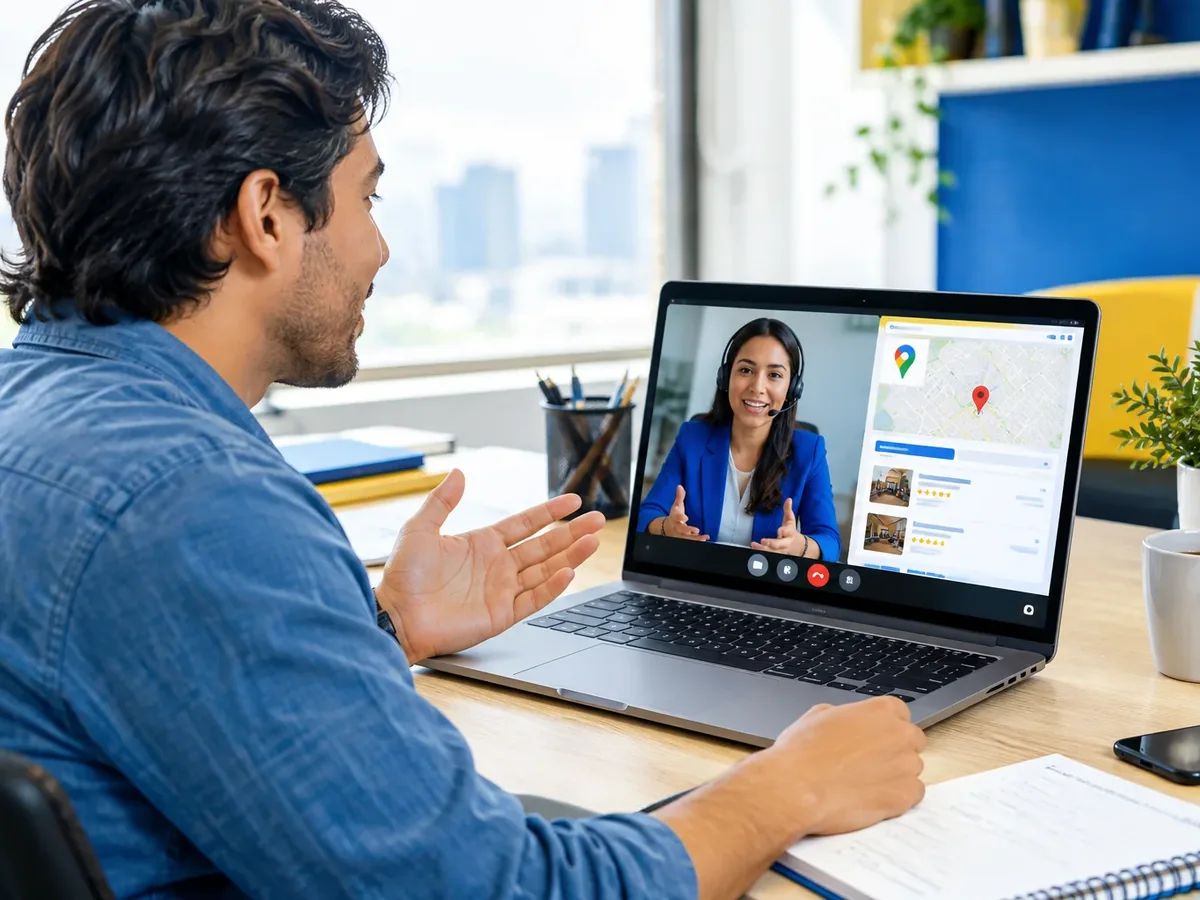
When someone searches for “hardware store near me” or “vet open now,” they look at the map before anything else. With Google Maps ads, your business stands out on that map, with buttons to call, get directions, and see your hours. We connect your Business Profile to Google Ads, set your coverage radius, and track calls and direction requests. It's local Google advertising built to bring people to your door.
Updated:

Your business, visible on the map
900+ projects delivered
Profile, campaign, and tracking working together.

Based on how many locations you have and what you want to achieve.
Your location highlighted on the map.
Text ads for nearby searches.
Google Ads search campaignsEach location with its own budget.
A simple start with a small budget.
Google advertising for small businessesFour questions to decide whether to start with Search, Shopping, Display, or YouTube.
We recommend
Full-service Google Ads management
We recommend
Google Ads for small businesses
We recommend
Search campaigns
Before you spend a single dollar, we set up proper tracking and define who we’re talking to and what counts as a result. Then we launch, optimize every week, and report to you in plain language.

We review your business, your competitors, your current accounts, and what a customer is worth to you.
You: give us access to your accounts
You get: an assessment and measurable goals
We set up conversions, pixels, and Google Tag Manager to track forms, phone calls, and WhatsApp.
You: agree with us on what counts as a conversion
You get: working conversion tracking
We define audiences, keywords, and budget, and we create the ads.
You: approve the copy and creatives
You get: campaigns ready to launch
We launch and adjust bids, audiences, ads, and budget every week.
You: tell us about lead quality
You get: documented optimizations
We show you cost per lead and per customer, and what to do next month.
You: review the report with us
You get: a clear monthly report
Your Business Profile is the foundation; the ad puts you in front when competitors are just as close.
Does your competition show up first on the map? Let’s review your profile and your area.
Where proximity drives the purchase.

Urgent searches a few blocks away.
People who need service right now.
Customers who choose based on proximity and photos.
Yes. Maps ads pull from your verified profile; if you don’t have one or it’s incomplete, we set it up first.
It depends on your city, your category, and how many businesses compete in your radius. Ad spend is paid directly to the platform and is separate from our management fee.
Not directly. The ad gives you a paid placement; your organic position depends on your profile, reviews, and local SEO, which we handle separately.
Yes. It can be set up as a service area without showing your exact address, with some format limitations.
Also known as Google Maps advertising, Google local ads, a promoted pin on Google Maps, or showing up first on Maps. It’s related to Google Ads, the Search Network, Performance Max, YouTube Ads, keywords, and cost per click, topics we review with you when the project calls for them.
Can’t find your question?
Services that often complement this campaign.
Tell us how many locations you have, which neighborhoods you serve, and whether your Business Profile is already verified.
We reply during business hours (Bogotá time, UTC-5), usually the same day.