

Sales and quotas
Daily progress by salesperson and product line.
We automate the reports your team builds over and over: sales, receivables, inventory, campaigns, or operations. The workflow pulls data from your systems, consolidates it, calculates the KPIs, builds the report, and sends it by email, WhatsApp, or Slack on the set date. If you’d like, AI adds a summary of the key points.
Updated:
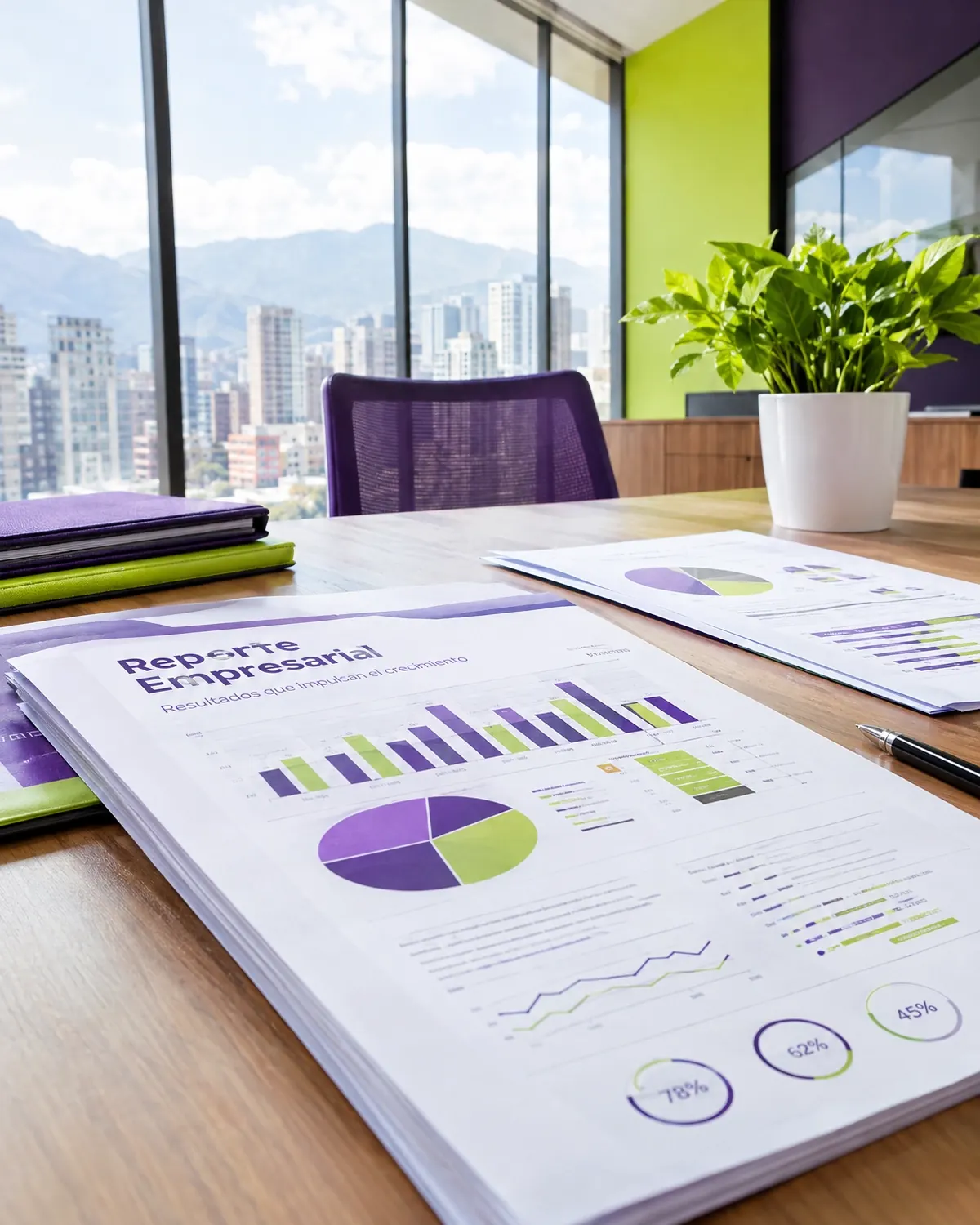
The report shows up on its own
10 years building for businesses
The ones that eat up the most hours every month.
Daily progress by salesperson and product line.
The week’s due dates and collections.
Spend, leads, and cost per customer.
Up-to-date KPIs you can check anytime.
Business dashboard developmentThree questions to find out which document automation saves you the most hours.
We recommend
AI document processing
We recommend
Automated quote generation
We recommend
Automated reports
We recommend
Automated invoice processing
Reliable data, on-time reports, and quick reading.

Companies that make decisions with weekly data.

Sales and stock consolidated by store.
Campaign reports for each client.
Production, waste, and order fulfillment.
We start with the process that takes up the most of your time, automate it, measure the savings, and move on to the next one. No never-ending projects.

We look at how the task is done today, who does it, how long it takes, and which tools it lives in.
You: walk us through the process step by step
You get: a process map and the current time spent
We define triggers, rules, exceptions, and the points where a person steps in.
You: validate the rules and exceptions
You get: a diagram of the automated workflow
We build the workflow with test data and run it alongside the manual process.
You: review the test results
You get: an automation working in testing
We activate the workflow, set up error alerts, and train whoever supervises it.
You: appoint an internal owner
You get: a live workflow and an operations guide
We compare time spent and errors before and after, and fine-tune as needed.
You: report special cases to us
You get: a savings report and adjustments
Building reports eats up valuable time from key people.
Who at your company spends days putting reports together? We’ll help you get that time back.
Can’t find your question?
Message an advisor and we’ll get back to you during business hours (Bogotá time, UTC-5).
In whichever you prefer: Excel, PDF, Google Sheets, an online dashboard, or a message with the summary.
We look for alternatives such as scheduled exports, a direct database connection, or reading files.
It summarizes the data calculated by the workflow and doesn’t make up numbers. Even so, we recommend reviewing it during the first few weeks.
The report arrives on its own on a set date; the dashboard is there whenever you want to check it. Many companies use both.
It’s also known as automated reports, automated reporting, or automated management reports. It’s related to OCR, data extraction, invoices, automated reports, and e-signatures, topics we review with you when your project needs them.
Automations that usually go hand in hand with this one.
Tell us which reports you put together today, which systems the data comes from, and who receives them.
We reply during business hours (Bogotá time, UTC-5), usually the same day.
