Receipt and filing
Invoices organized by vendor and month.
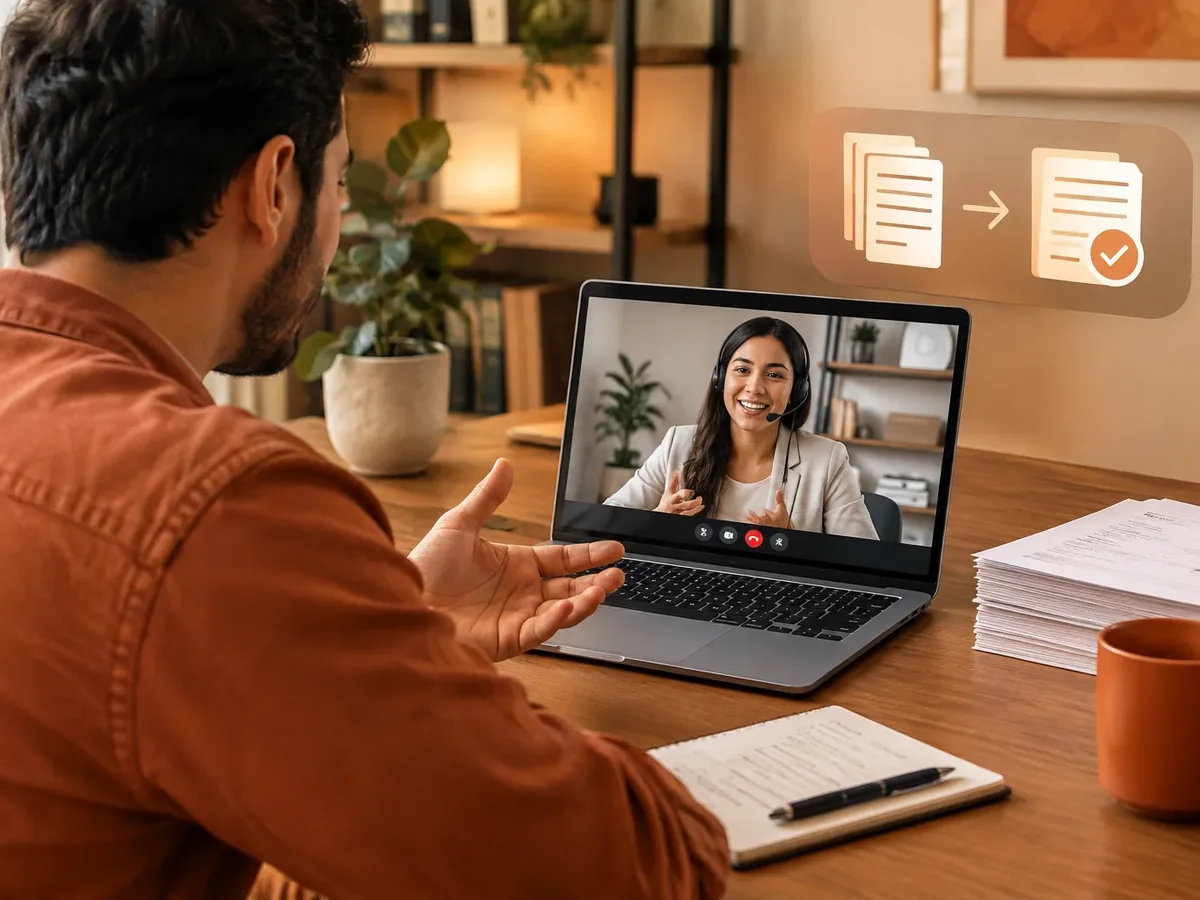
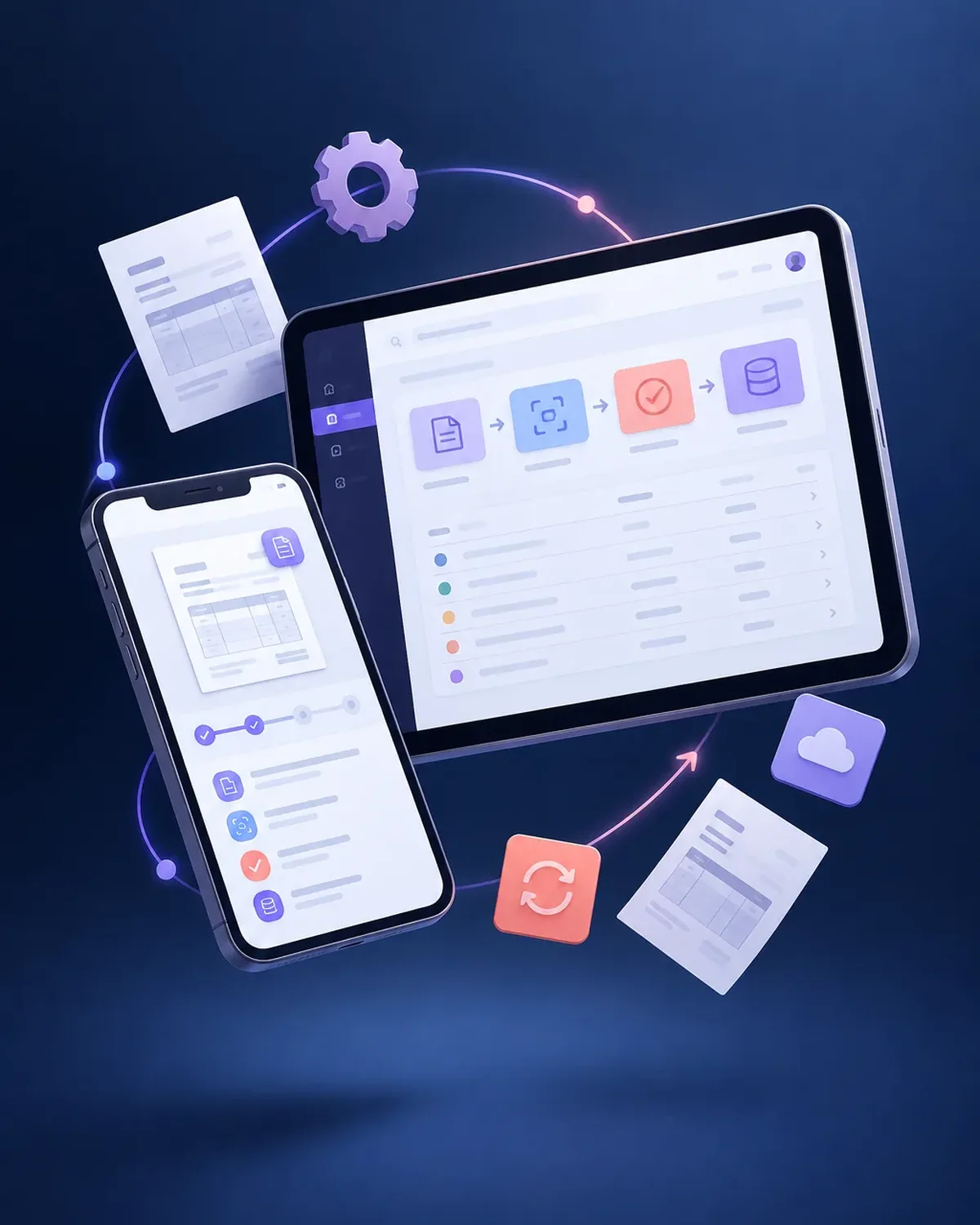
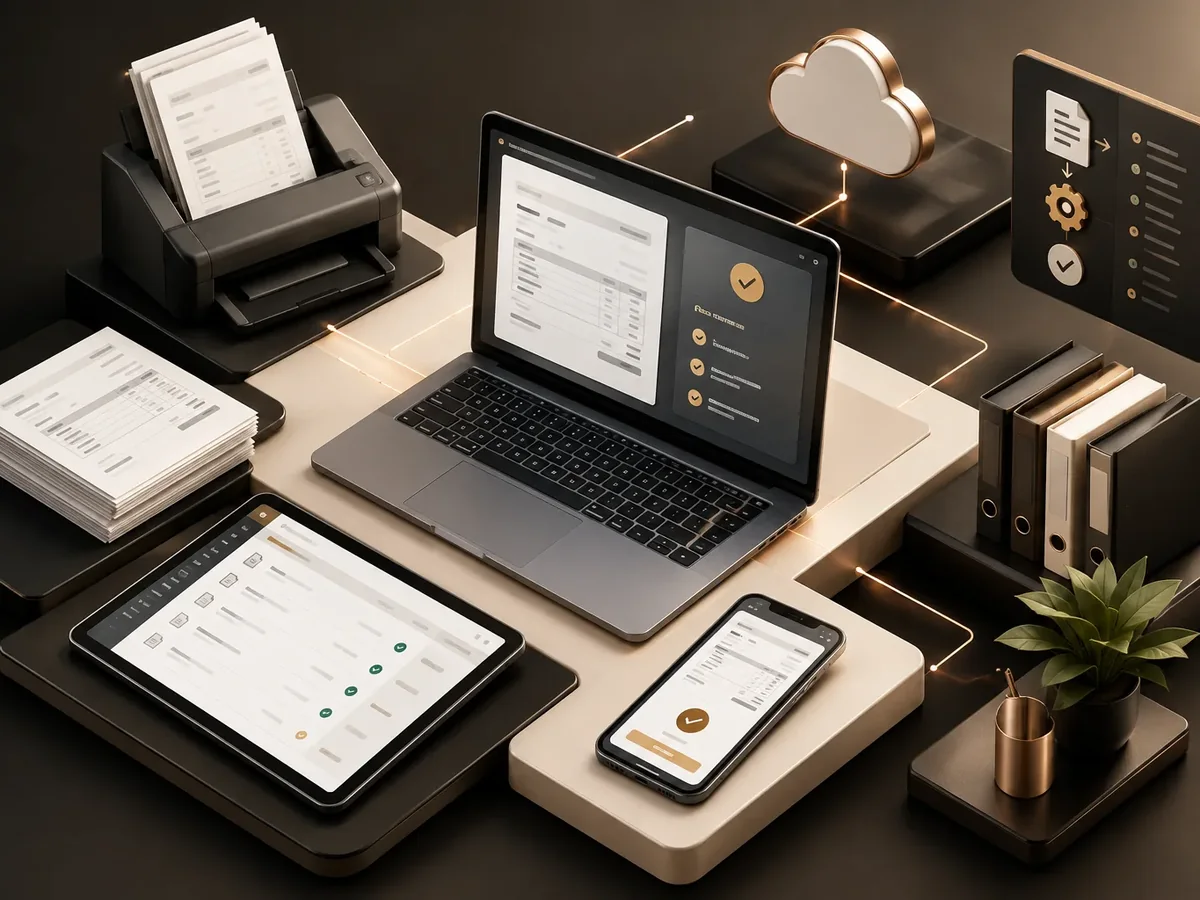
We automate the receipt and processing of your vendor invoices: the workflow picks them up from email, reads the e-invoice XML or the PDF, validates the data against the purchase order, requests approval from the person in charge, and enters them into your accounting software. Accounting stops keying in data and focuses on reviewing exceptions.
Updated:
Accounts payable in order
900+ projects delivered
From the invoicing inbox to the accounting entry.

Vendor invoices are among the most repetitive tasks in accounting.
| Aspect | Manual process | Automated process by PACOWEB |
|---|---|---|
| Receiving | Downloading attachments one by one. | Automatic receipt and filing. |
| Data entry | Copying amounts into the accounting software. | Automatic entry. |
| Control | Frequent errors and duplicates. | Validations before entry. |
| Vendors | They call to ask about their payment. | They get status updates automatically. |
How many vendor invoices does your company receive each month? Let’s see how much time you can save.
In stages, based on your volume.
Invoices organized by vendor and month.
Bills and receipts read with AI.
AI document processingApproval workflow based on amount and department.
Vendors who submit and check on invoices themselves.
Vendor portal developmentWe start with the process that takes up the most of your time, automate it, measure the savings, and move on to the next one. No never-ending projects.
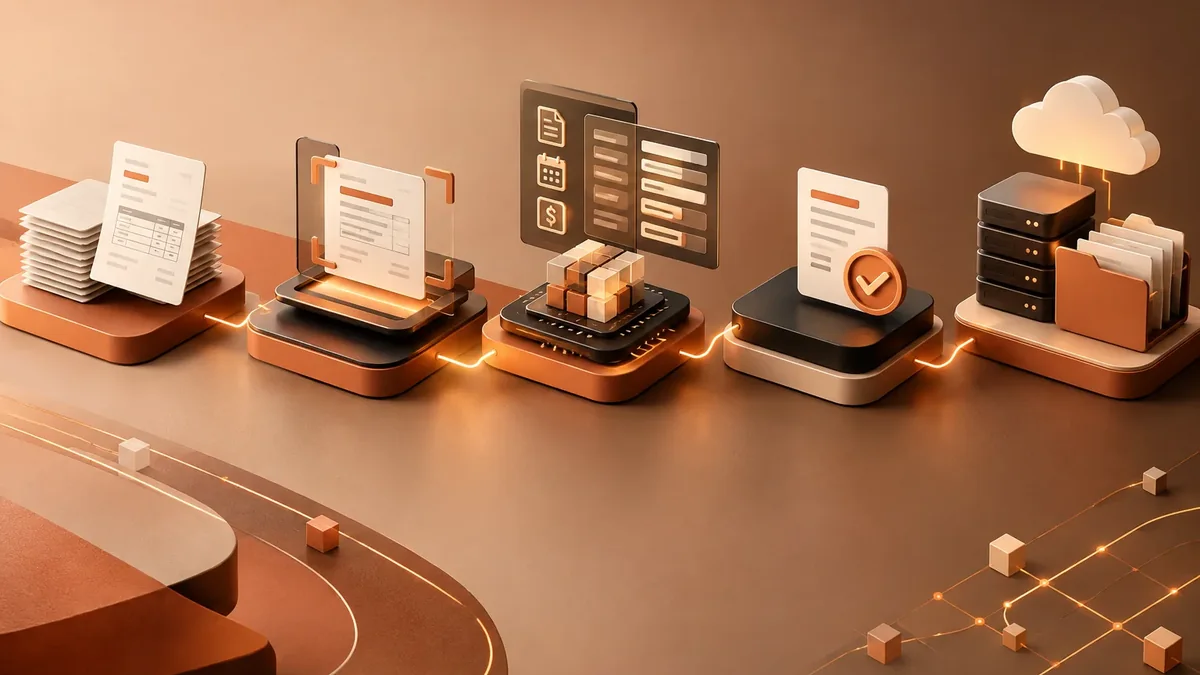
We look at how the task is done today, who does it, how long it takes, and which tools it lives in.
You: walk us through the process step by step
You get: a process map and the current time spent
We define triggers, rules, exceptions, and the points where a person steps in.
You: validate the rules and exceptions
You get: a diagram of the automated workflow
We build the workflow with test data and run it alongside the manual process.
You: review the test results
You get: an automation working in testing
We activate the workflow, set up error alerts, and train whoever supervises it.
You: appoint an internal owner
You get: a live workflow and an operations guide
We compare time spent and errors before and after, and fine-tune as needed.
You: report special cases to us
You get: a savings report and adjustments
Companies with many vendors.
Daily food and supply vendors.
Invoices by project and cost center.
Invoice processing for multiple clients.
Three questions to find out which document automation saves you the most hours.
We recommend
AI document processing
We recommend
Automated quote generation
We recommend
Automated reports
We recommend
Automated invoice processing
Yes, we read the structured XML of the electronic invoice, which is the most accurate source.
With any that offer an API or file import, such as QuickBooks, Xero, NetSuite, or SAP, among others.
We can automate alerts and tasks so your team handles the events on time in your platform.
Yes, each invoice is routed according to the receiving company.
It’s also known as accounts payable automation, automatic receipt of electronic invoices, or accounting automation. It’s related to OCR, data extraction, invoices, automated reports, and e-signatures, topics we review with you when your project needs them.
Can’t find your question?
Automations that usually go hand in hand with this one.
Tell us how many invoices you receive each month and which accounting software you use.
We reply during business hours (Bogotá time, UTC-5), usually the same day.