

Automated order management
We automate the journey of every order: it comes in from your online store, WhatsApp, email, or your sales reps, gets logged in your system, generates the invoice, notifies the warehouse, creates the shipping label, and keeps the customer informed. What used to take several people typing now flows on its own.
Updated:
- Orders logged instantly
- Automatic invoice and shipping label
- Customers kept informed at every step

From order to delivery, with no data entry
10 years building for businesses
Order workflows we automate
Based on where they come from and where they need to go.
-
Wholesale orders
Customer order files processed automatically.
-
Shipping and tracking
Shipping labels, statuses, and proof of delivery in sync.
Which process should you automate first? Find out in a minute
Four questions to find the automation with the best return for your business.
We recommend
Automate an entire process
We recommend
Automate administrative tasks
We recommend
Automate notifications and reminders
We recommend
Automate order management
We recommend
Automate HR processes
We recommend
Automate tasks with artificial intelligence
What order automation includes
One continuous workflow from sale to delivery.
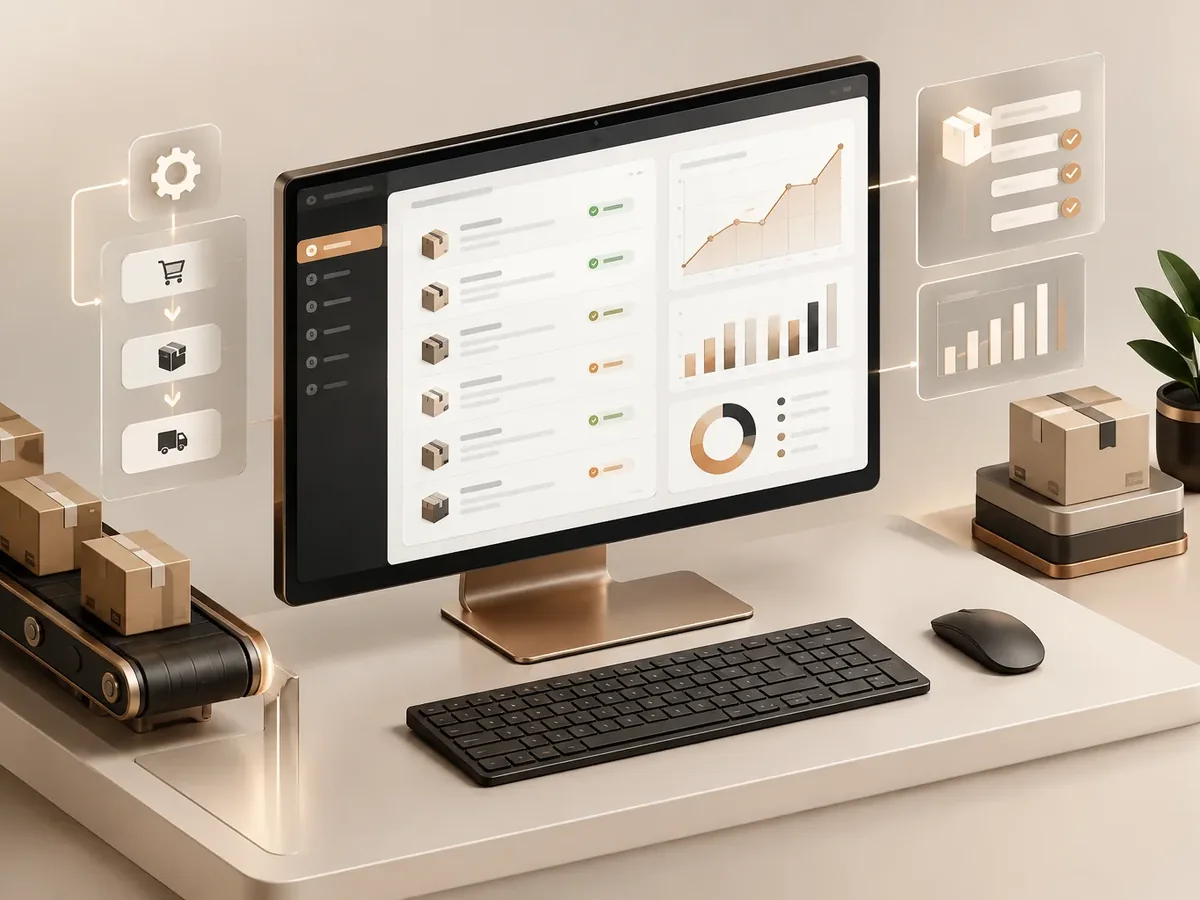
Order intake
- Orders from WooCommerce, Shopify, or another store.
- WhatsApp and email orders read and logged.
- Stock and customer data validation.
Processing
- Order created in your ERP or accounting software.
- Electronic invoice through your authorized provider.
- Picking order for the warehouse.
Shipping and notification
- Shipping label created with the carrier.
- Customer notifications by WhatsApp or email.
- Alerts for stalled orders.
Order automation by industry
Businesses with high order volume.

E-commerce
Store, invoicing, inventory, and carrier, all connected.
Food and beverage
Recurring orders from stores and restaurants.
Distributors
Orders from sales reps and wholesale customers in a single workflow.
How we automate your orders
We start with the process that takes up the most of your time, automate it, measure the savings, and move on to the next one. No never-ending projects.

-
Step 1: Process mapping
We look at how the task is done today, who does it, how long it takes, and which tools it lives in.
You: walk us through the process step by step
You get: a process map and the current time spent -
Step 2: Workflow design
We define triggers, rules, exceptions, and the points where a person steps in.
You: validate the rules and exceptions
You get: a diagram of the automated workflow -
Step 3: Build and testing
We build the workflow with test data and run it alongside the manual process.
You: review the test results
You get: an automation working in testing -
Step 4: Go-live
We activate the workflow, set up error alerts, and train whoever supervises it.
You: appoint an internal owner
You get: a live workflow and an operations guide -
Step 5: Measurement and fine-tuning
We compare time spent and errors before and after, and fine-tune as needed.
You: report special cases to us
You get: a savings report and adjustments
Manual orders vs. automated orders
Every time an order is re-entered by hand, there’s a chance for error.
| Aspect | Manual management | Orders automated by PACOWEB |
|---|---|---|
| Sign-up | Copied from the store or chat into the system. | Goes into the system on its own. |
| Invoicing | At the end of the day or week. | When the order is confirmed. |
| Dispatch | The warehouse finds out by message. | Automatic picking order. |
| Customer | Calls to ask about their order. | Gets notified at every stage. |
How many times is an order typed in at your company before it ships? Let’s get it down to one.
FAQ about order management automation
Does it work with my online store?
Yes, with WooCommerce, Shopify, VTEX, and other platforms that offer an API or webhooks.
Can it generate the electronic invoice?
Yes, if your billing or accounting system has an API, such as QuickBooks, Xero, or others.
What happens if something is out of stock?
The workflow detects the shortage, alerts your team, and, if you choose, notifies the customer.
Can it integrate with shipping carriers?
Yes, with carriers that offer an API to create shipping labels and check tracking status.
What else is order management automation called?
People also search for this as order automation, automated order processing, or automated order workflow. It relates to RPA, workflows, n8n, Make, Zapier, and repetitive tasks, topics we review with you when the project calls for them.
Can’t find your question?
Related services
Automations that usually go hand in hand with this one.
Get a quote for order automation
Tell us where your orders come from, how many you handle, and which systems you use. We’ll get back to you with a proposal.
- 1You contact us through the form or on WhatsApp.
- 2We talk about your business and what you need.
- 3You get the proposal in writing, with scope, timeline, and price.

Request your proposal
We reply during business hours (Bogotá time, UTC-5), usually the same day.