

From Excel spreadsheets to a system your whole team uses
We migrate your Excel files to a custom system when your spreadsheets can’t keep up: files only one person understands, duplicate versions in email threads, and formulas that break. We clean up your data, turn your formulas into system rules, and give each user the right access. Moving from Excel to software doesn’t mean losing what already works: we keep it and make it secure.
Updated:
- Your data clean and free of duplicates
- Your formulas turned into rules
- One version for everyone
Goodbye to “final_v3_FINAL.xlsx”
10 years building for businesses
The Excel files we migrate most
If your company has one of these files, it’s a good candidate.
-
Inventory control
Stock in, stock out, and on-hand counts in sheets that never balance.
Inventory management software development -
Excel quote calculators
Sheets with pricing formulas only one person knows how to use.
Quoting software development
What your Excel-to-system migration includes
It’s not just copying data: it’s understanding what your file does and building something better.
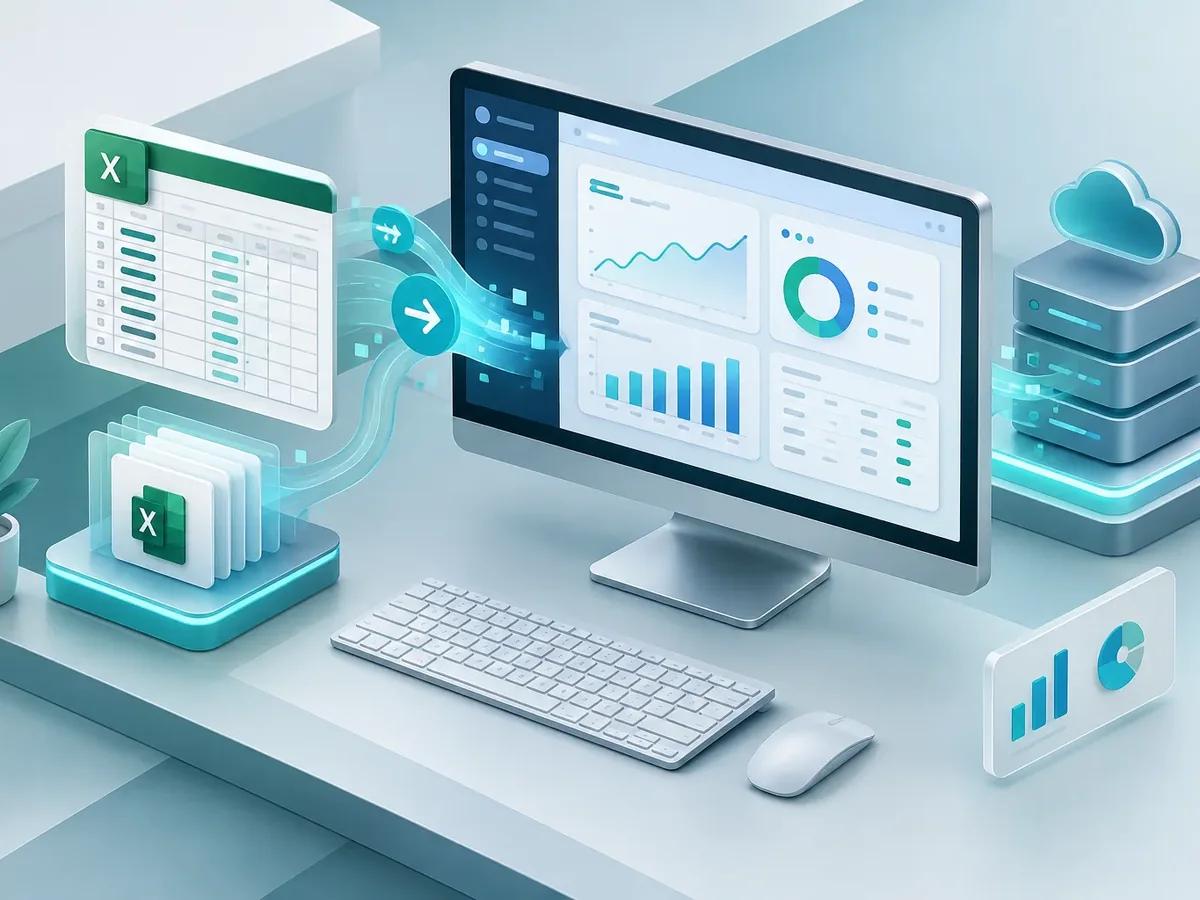
Assessment of your files
- Inventory of sheets, formulas, macros, and who uses them.
- Detection of duplicate, blank, or inconsistent data.
- Map of what stays, what gets improved, and what goes.
Cleanup and migration
- Data cleanup and standardization.
- Loading into a database with validations.
- Reconciliation of totals against the original file.
System and adoption
- Screens to enter and look up data without touching formulas.
- Users, permissions, and change history.
- Export to Excel for anyone who still needs it.
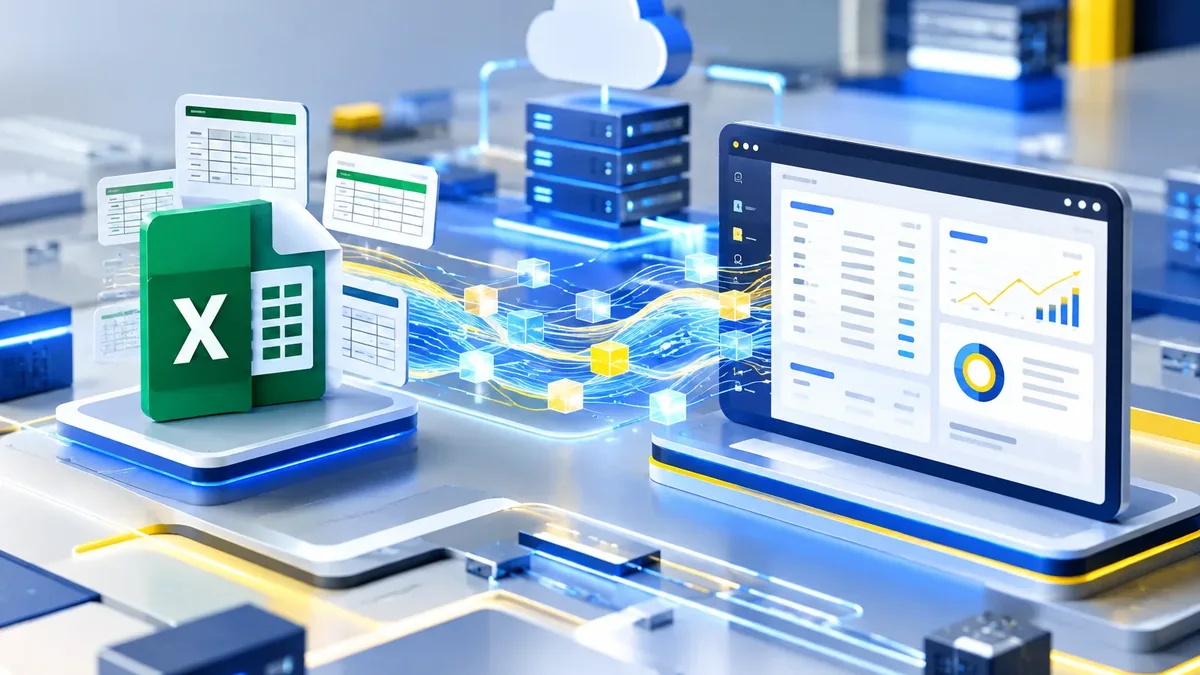
How we migrate your Excel files to a system
We work in short stages, with deliverables you can test. You always know what’s being built, what’s left, and what we need from your team.
-
Step 1: Assessment
We review your current tools, who uses them, and where time or information gets lost.
You: give us access to what you use today
You get: an assessment and scope proposal -
Step 2: Functional design
We define roles, permissions, business rules, and the screens each user needs.
You: validate rules and roles
You get: a functional spec and prototype -
Step 3: Build
We develop in two-week cycles with progress demos.
You: attend the demos
You get: a test version every cycle -
Step 4: Launch
We deploy to a secure server, connect integrations, and train your team.
You: schedule the training
You get: a live platform and user guide
What do you need to solve with your data? Find out in a minute
Three questions to find out whether you need a KPI dashboard, a modernized version of your current software, or an internal financial system.
We recommend
A business dashboard
We recommend
Modernize your current software
We recommend
Internal financial management software
Signs it’s time
Situations we see again and again in companies of every size.

Files with too many versions
Nobody knows which one is current.
Sensitive data with no controls
Anyone can copy or delete information.
Reliance on one person
If the person who built the file leaves, the know-how leaves too.
Modernizing software or migrating from Excel
Both projects move data, but they start from different places.
Software modernization
- Starting point
- An old system that already exists.
- Main challenge
- Changing the technology without stopping operations.
- Data quality
- Structured, even if outdated.
- Result
- The same system on current technology.
Migration from Excel
- Starting point
- Spreadsheets and scattered files.
- Main challenge
- Organizing data and turning formulas into rules.
- Data quality
- Usually full of duplicates and mixed formats.
- Result
- A new system built around the way you work.
If your company already has software and the problem is the technology, modernization is the better fit.
FAQ about Excel and data migration to a custom system
Will I lose the information I have in Excel?
No. We migrate all of it and reconcile the totals against your original file before the system is signed off.
Can my macros be moved into the system?
Yes. We review what each macro does and turn it into a system function, usually faster and more secure.
Will my team still be able to export to Excel?
Yes. We set up exports for anyone who needs to analyze data on their own, without Excel becoming the official source again.
How long does it take, and how much does it cost?
It depends on the number of files, the quality of the data, and the screens you need. After the assessment, we give you the timeline and price in writing.
What other names is Excel-to-system migration known by?
It’s also known as moving from Excel to software, turning Excel into a web app, data migration, or replacing Excel with a system. It relates to dashboards, business intelligence, Power BI, KPIs, and data warehouses, topics we review with you when the project calls for them.
Can’t find your question?
Related services
What clients most often add to this project.
Get a quote for your Excel migration
Tell us which files you use, how many people edit them, and what problems they cause. If you can, share a version without sensitive data.
- 1You contact us through the form or on WhatsApp.
- 2We talk about your business and what you need.
- 3You get the proposal in writing, with scope, timeline, and price.

Request your proposal
We reply during business hours (Bogotá time, UTC-5), usually the same day.