

Bank reconciliations and accounting tasks on autopilot
Bank reconciliation eats up days of every close: downloading statements, matching them line by line against the accounting software, and chasing discrepancies. We automate that matching and other repetitive accounting tasks so your team gets a list of items already matched and only reviews the exceptions. It’s accounting automation built for accountants, not to replace them: the judgment stays theirs, the data entry doesn’t.
Updated:
- Shorter month-end closes
- Discrepancies flagged instantly
- The accountant reviews instead of typing
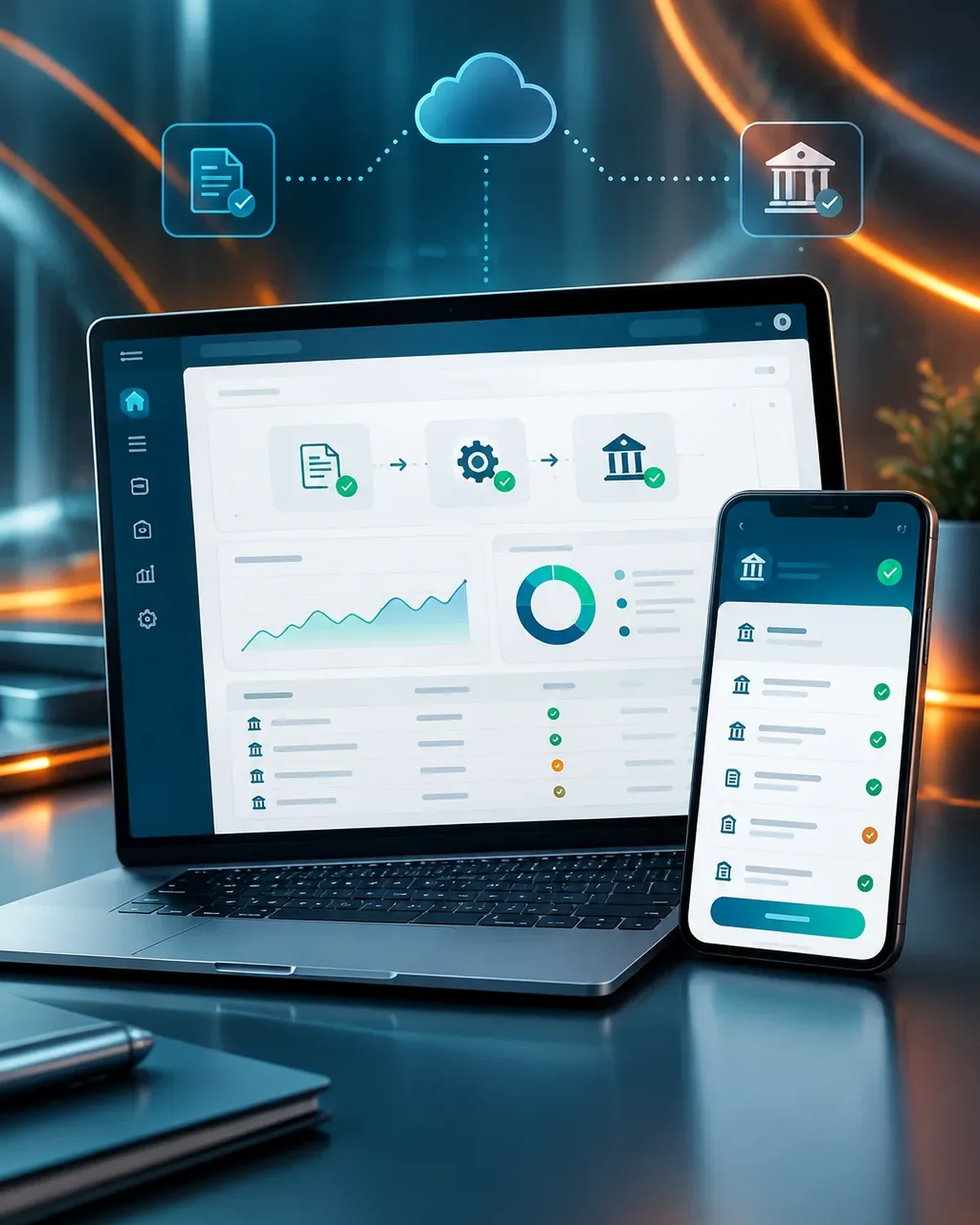
Accounts that balance on their own
900+ projects delivered
What accounting automation includes
Matching, entries, and alerts built on the accounting software you already use.
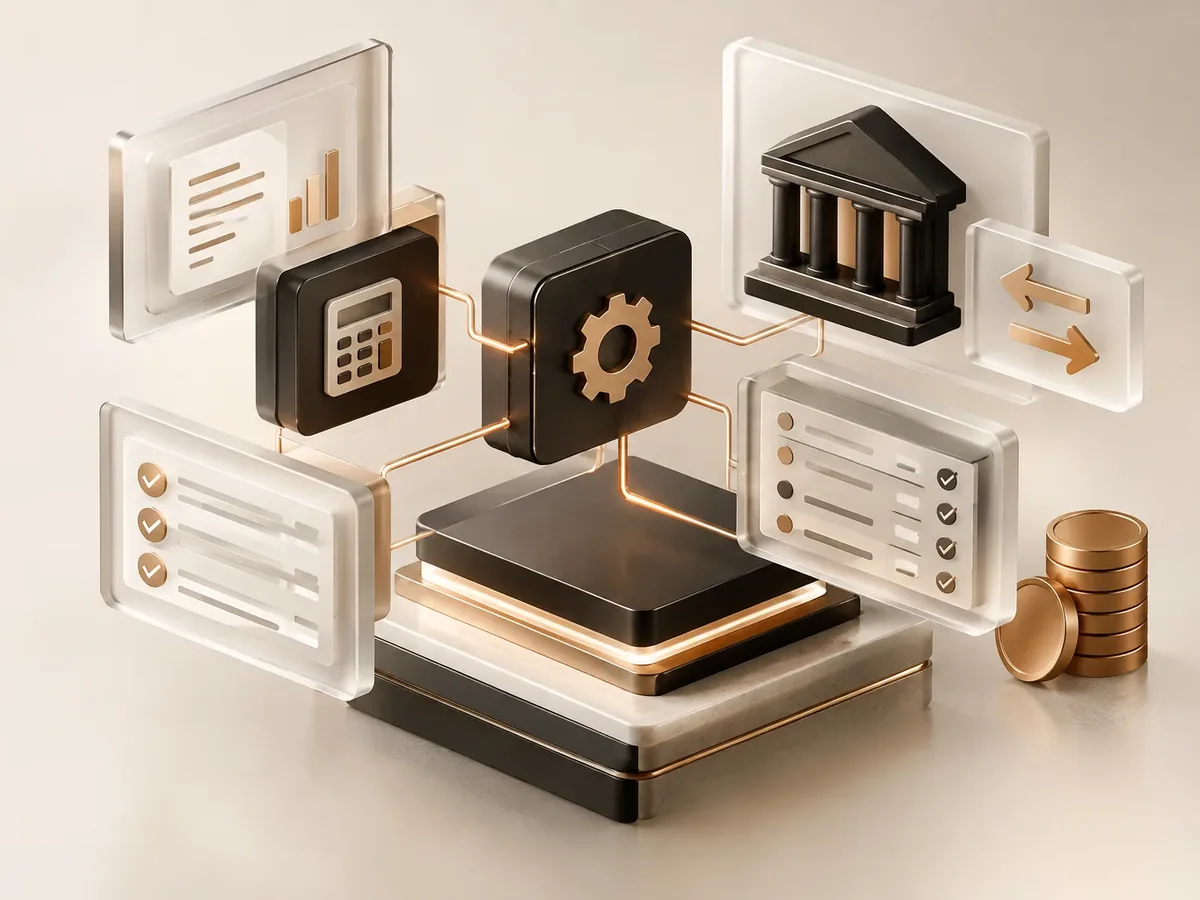
Reconciliation
- Reading your bank statements in Excel, CSV, or PDF.
- Matching by amount, date, reference, or customer number.
- A list of pending items with their likely cause.
Sign-up
- Journal entries prepared for upload to your accounting software.
- Recurring transactions categorized by account.
- Supporting documents linked to each entry.
Control
- Alerts for duplicate or undocumented payments.
- A reconciliation status summary for each bank account.
- A history of who approved each adjustment.
Accounting tasks we automate
The ones that repeat at every close.
-
Bank reconciliation
Statements from multiple banks matched against your books.
-
Customer payments
Incoming payments applied to the right invoice.
Accounts receivable and collections automation
Which documents should you automate? Find out in a minute
Three questions to find out which document automation saves you the most hours.
We recommend
AI document processing
We recommend
Automated quote generation
We recommend
Automated reports
We recommend
Automated invoice processing
How we automate your reconciliations
We start with the process that takes up the most of your time, automate it, measure the savings, and move on to the next one. No never-ending projects.

-
Step 1: Process mapping
We look at how the task is done today, who does it, how long it takes, and which tools it lives in.
You: walk us through the process step by step
You get: a process map and the current time spent -
Step 2: Workflow design
We define triggers, rules, exceptions, and the points where a person steps in.
You: validate the rules and exceptions
You get: a diagram of the automated workflow -
Step 3: Build and testing
We build the workflow with test data and run it alongside the manual process.
You: review the test results
You get: an automation working in testing -
Step 4: Go-live
We activate the workflow, set up error alerts, and train whoever supervises it.
You: appoint an internal owner
You get: a live workflow and an operations guide -
Step 5: Measurement and fine-tuning
We compare time spent and errors before and after, and fine-tune as needed.
You: report special cases to us
You get: a savings report and adjustments
Manual reconciliation vs. automated reconciliation
The problem isn’t doing it; it’s doing it every month with hundreds of transactions.
| Aspect | Matching in spreadsheets | Reconciliation automated by PACOWEB |
|---|---|---|
| Close time | Days spent reviewing transactions one by one. | Review focused on the items that don’t match. |
| Errors | Mismatched items that surface months later. | Matching rules that are always applied the same way. |
| Supporting documents | Loose files scattered across folders and emails. | Every transaction with its supporting document linked. |
| How it differs from invoice automation | Processing invoices doesn’t solve matching against the bank. | This service closes that loop; invoices are automated separately. |
How many days does it take your team to reconcile the banks? Tell us your transaction volume and we’ll propose a workflow.
Accounting automation by type of business
Where transaction volume justifies automating.
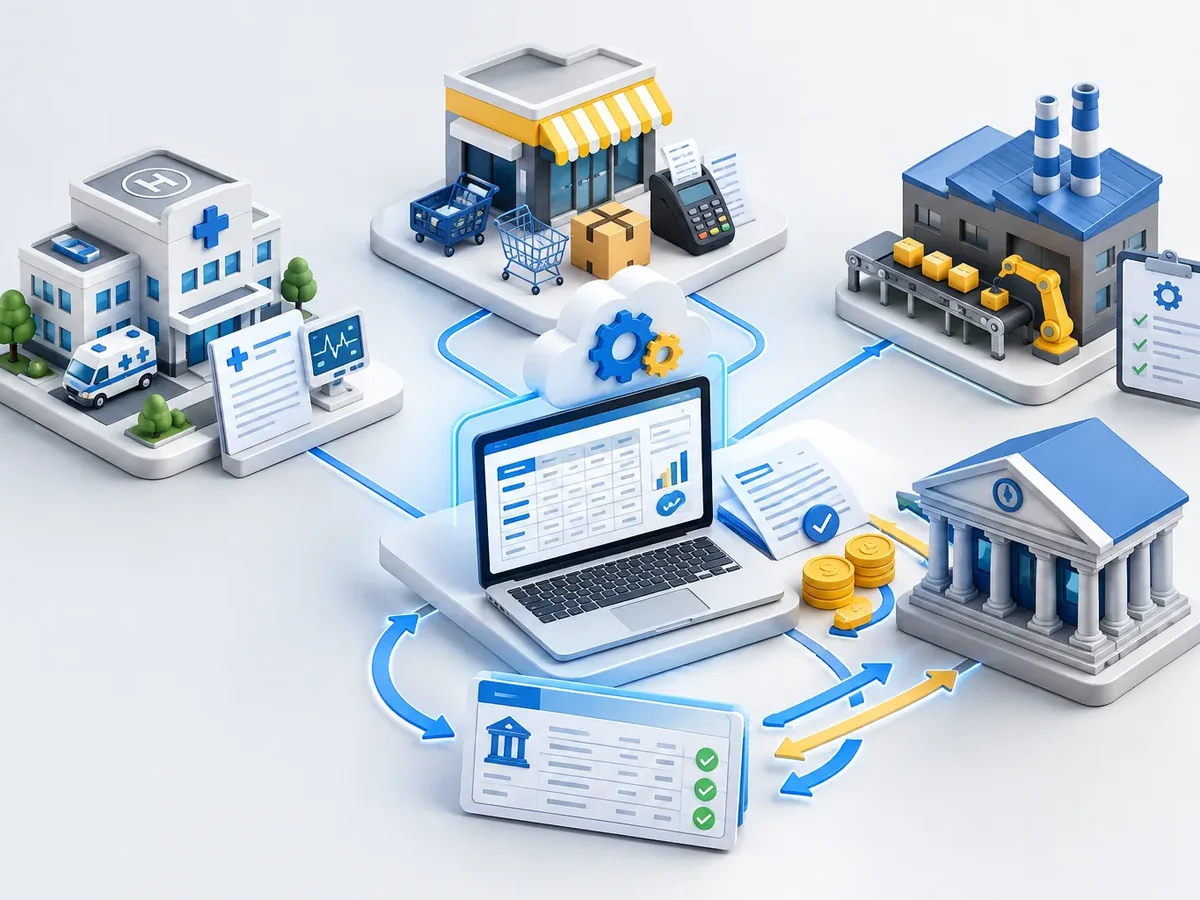
Accounting firms
Reconciliations for many clients using the same method.
Retailers with electronic payments
Card, Stripe, PayPal, and Square payments matched against sales.
Condominiums and HOAs
HOA payments applied to each unit.
FAQ about accounting and bank reconciliation automation
Can’t find your question?
Message an advisor and we’ll get back to you during business hours (Bogotá time, UTC-5).
Does it work with my accounting software?
We work with any software that can export or import data: QuickBooks, Xero, and others. If it has an API, we connect directly; if not, we use flat files.
Does automation replace the accountant?
No. It takes away the data entry and mechanical matching. Decisions about adjustments, taxes, and questionable entries stay with the accountant.
What happens with transactions that don’t match?
They go to a list of pending items with the information needed to review them. Nothing is recorded without a clear rule or an approval.
How much does reconciliation automation cost?
It depends on the number of banks, the statement format, and your accounting software. After reviewing one sample month, we give you a fixed-price proposal.
Is it safe to share banking information?
We use read-only access and minimum permissions. If you prefer, the workflow runs on your own server and the data never leaves your infrastructure.
What else is accounting and reconciliation automation called?
People also search for this as automatic bank reconciliation, accounting automation, automatic bank statement matching, or month-end close automation. It relates to OCR, data extraction, invoices, automated reports, and e-signature, topics we review with you when the project calls for them.
Related services
Automations that usually go hand in hand with this one.
Get a quote for reconciliation automation
Tell us how many bank accounts you have, which accounting software you use, and how many transactions you have per month. We’ll get back to you with a proposal.
- 1You contact us through the form or on WhatsApp.
- 2We talk about your business and what you need.
- 3You get the proposal in writing, with scope, timeline, and price.

Request your proposal
We reply during business hours (Bogotá time, UTC-5), usually the same day.