Brick-and-mortar and online store
A single stock count so you never sell what you don’t have.
Running out of a product that sells every day costs you sales; overbuying ties up cash. We automate inventory control and the purchasing cycle: low-stock alerts, suggested purchase orders based on turnover, approvals from your phone, and stock synced across your store, warehouse, and point of sale. Your buyer stops combing through lists and decides with the information already prepared.
Updated:
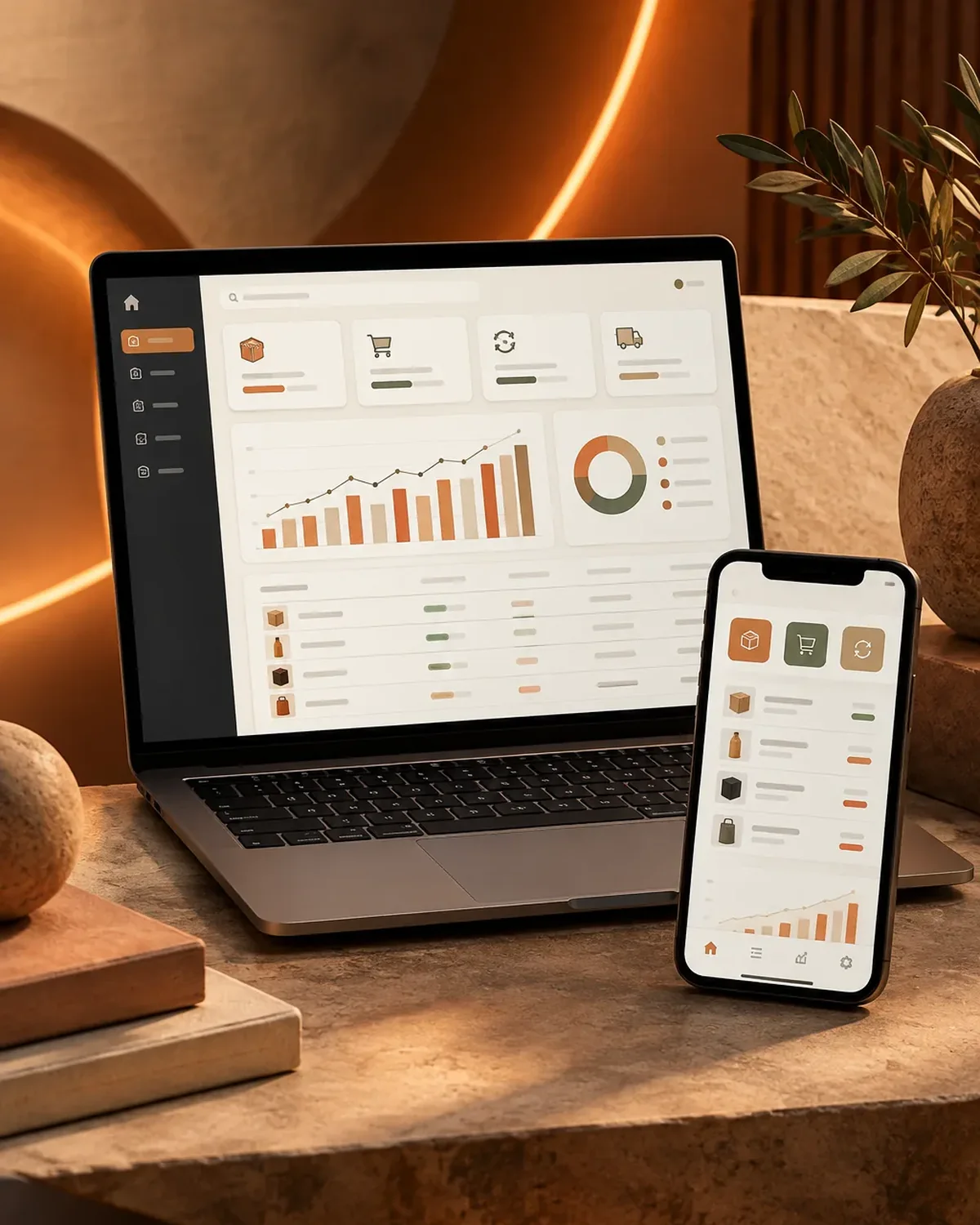
Stock that alerts you in time
900+ projects delivered
From stock count to purchase order, with no side spreadsheets.
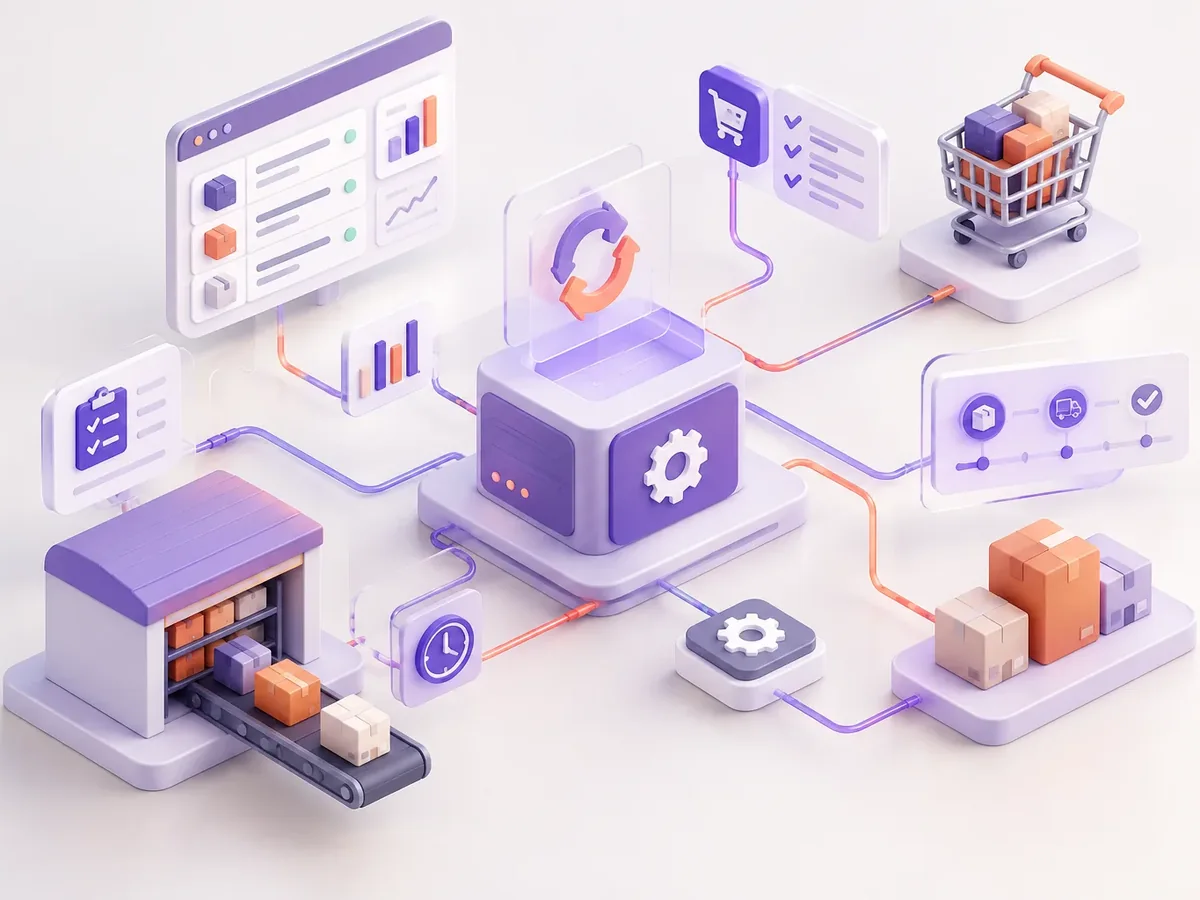
We start with the process that takes up the most of your time, automate it, measure the savings, and move on to the next one. No never-ending projects.
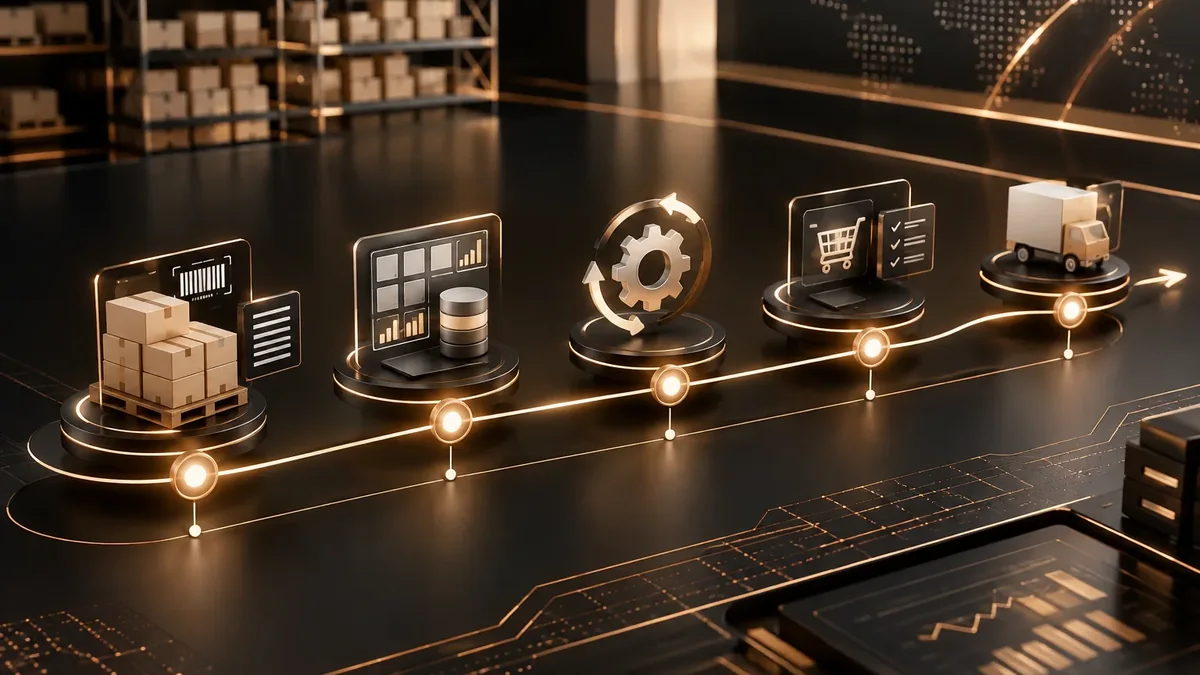
We look at how the task is done today, who does it, how long it takes, and which tools it lives in.
You: walk us through the process step by step
You get: a process map and the current time spent
We define triggers, rules, exceptions, and the points where a person steps in.
You: validate the rules and exceptions
You get: a diagram of the automated workflow
We build the workflow with test data and run it alongside the manual process.
You: review the test results
You get: an automation working in testing
We activate the workflow, set up error alerts, and train whoever supervises it.
You: appoint an internal owner
You get: a live workflow and an operations guide
We compare time spent and errors before and after, and fine-tune as needed.
You: report special cases to us
You get: a savings report and adjustments
Based on how your merchandise moves.
A single stock count so you never sell what you don’t have.
Departments that request supplies with approval.
Orders that deduct inventory when invoiced.
Order management automationWhen you need custom software.
Inventory management software developmentYou don’t always need to switch software to get control.
| Aspect | Custom inventory system | Automation on top of your tools |
|---|---|---|
| Starting point | New software gets built. | The tools you already use get connected. |
| Time | A project lasting several months. | First workflows up and running in weeks. |
| When it makes sense | Highly specific processes no software covers. | You already have an ERP, POS, or store and need them connected. |
| Change for the team | Learning a new tool. | They keep working where they already work. |
Ever sold something you no longer had? Tell us where you track your inventory and we’ll tell you what can be automated.
Four questions to find the automation with the best return for your business.
We recommend
Automate an entire process
We recommend
Automate administrative tasks
We recommend
Automate notifications and reminders
We recommend
Automate order management
We recommend
Automate HR processes
We recommend
Automate tasks with artificial intelligence
Businesses where a stockout or overstock hurts the most.

Supplies with minimum-level alerts and vendor orders.
Raw materials tracked against planned production.
Medications and devices with expiration date tracking.
Yes. We can automate on top of a well-structured spreadsheet and, as volume grows, migrate later to a more robust system.
Yes, with WooCommerce, Shopify, and other platforms with an API. Every sale deducts from the same inventory your point of sale uses.
They’re generated automatically, but you decide whether they need approval. The usual setup is to require approval above a certain amount and leave routine purchases automatic.
It depends on how many systems need to be connected and how clean your product data is. After reviewing them, we give you a timeline.
It depends on the number of warehouses, sales channels, and purchasing rules. We give you a fixed price once we understand your operation.
People also search for this as automated inventory control, purchase order automation, minimum stock alerts, or automatic replenishment. It relates to RPA, workflows, n8n, Make, Zapier, and repetitive tasks, topics we review with you when the project calls for them.
Can’t find your question?
Automations that usually go hand in hand with this one.
Tell us where you track inventory today, how many warehouses or sales channels you have, and how you handle purchasing. We’ll get back to you with a proposal.
We reply during business hours (Bogotá time, UTC-5), usually the same day.