

Your company's attendance, shifts, and visitors under control
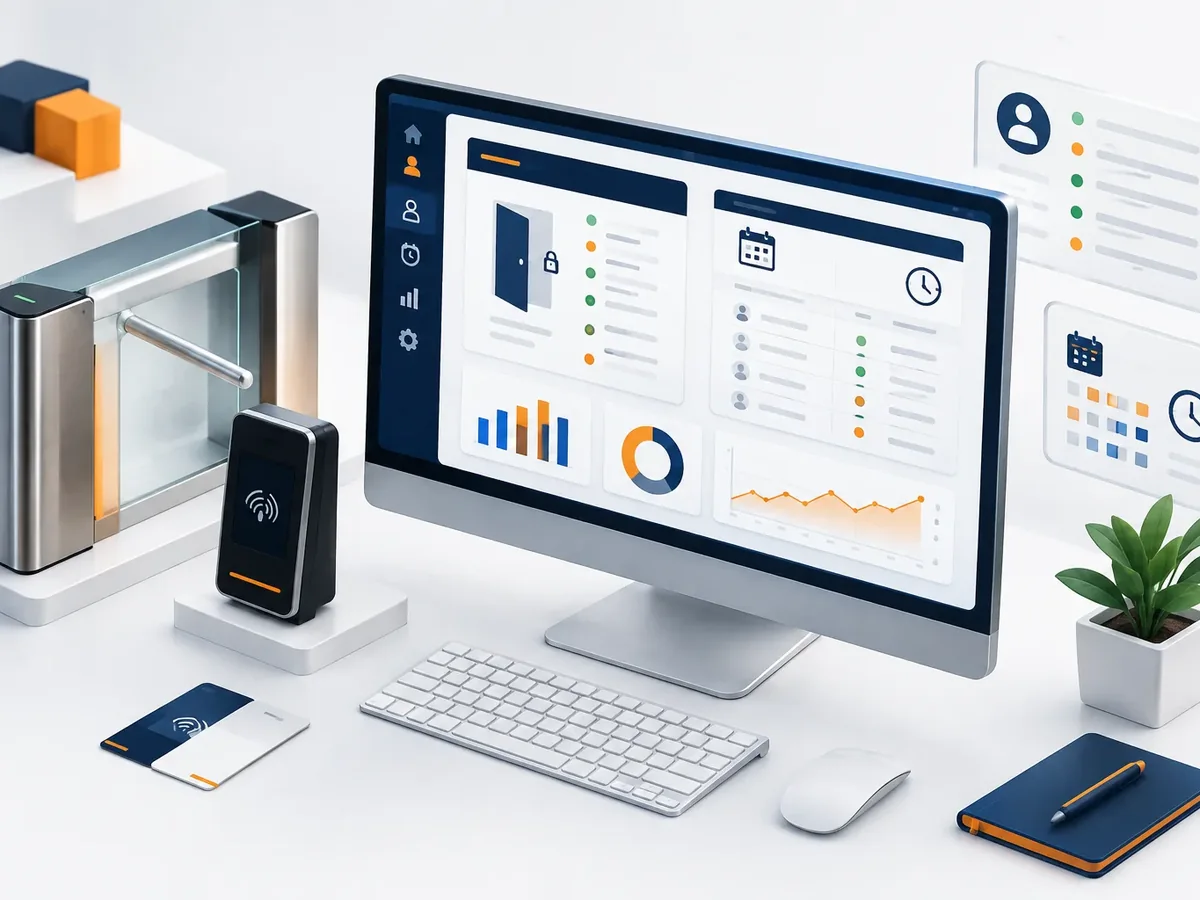
We build access control and time attendance software that records clock-ins and clock-outs by fingerprint, facial recognition, QR code, or phone with location. The system matches each punch against the scheduled shift and calculates late arrivals, overtime, and premium pay. An employee attendance system that also checks in visitors at reception and delivers payroll-ready reports, without downloading files from the time clock or checking timesheets.
Updated:
- Clock-in by fingerprint, face, or QR code
- Overtime calculated automatically
- Registered visitors

Who came in, at what time, and on which shift
900+ projects delivered
Access control scenarios we handle
Control changes depending on where and how your people work.
-
Offices and locations
Access by area and visitor log.
-
Field staff
Clock-in with location at work sites.
What operating system does your business need? Find out in a minute
Four questions about your daily operations so we can recommend where to start systematizing.
We recommend
An inventory management system
We recommend
A booking and appointment scheduling system
We recommend
A document management system
We recommend
An order tracking system
We recommend
A customer service platform
We recommend
A field service management system
We recommend
A logistics and transportation platform
What your access and attendance software includes
What security, shift supervisors, and payroll need.
Clock-in
- Integration with biometric readers and turnstiles.
- Phone clock-in with location for field staff.
- Temporary QR codes for contractors.
Shifts
- Scheduling for rotating shifts and breaks.
- Calculation of late arrivals, absences, and overtime.
- Supervisor approval of attendance exceptions.
Visitors and reports
- Visitor log with photo and host.
- Notification to the host when their visitor arrives.
- Reports for payroll and audits.
Industries where it’s used most
Operations with lots of people coming and going.

Retail and chains
Shift staff across many store locations.
Security and janitorial services
Staff stationed at client sites.
Schools and universities
Entry for students, teachers, and visitors.
How we implement your access system
We work in short stages, with deliverables you can test. You always know what’s being built, what’s left, and what we need from your team.

-
Step 1: Discovery
We interview the departments that will use the system and map how information flows today.
You: show us how you work today
You get: a process map and scope -
Step 2: Prototype
We design the main screens in a clickable prototype to validate them before writing code.
You: test the prototype with your team
You get: an approved prototype -
Step 3: Development by module
We build and deliver module by module, so your team can start using it soon.
You: test each module
You get: working modules in testing -
Step 4: Migration and training
We load your current data, train each role, and support you through launch.
You: hand over your databases
You get: a live system and user manuals -
Step 5: Support and improvement
We measure actual usage and make any needed adjustments during the support period.
You: report adjustments through the support channel
You get: a usage and improvements report
Traditional time clock or attendance software
The clock records the time; the software turns that time into useful information.
| Aspect | Stand-alone time clock | PACOWEB software |
|---|---|---|
| Data | Downloaded from the device and copied into Excel. | Sent online to a central platform. |
| Shifts | It doesn’t know which shift each person had. | Compares clock-ins against the scheduled shift. |
| Exceptions | Justified on paper. | The manager approves from a phone. |
| Locations | Each device is an island. | All locations in a single report. |
If you already have biometric readers, we can almost always use them.
FAQ about access control and time attendance software
Can’t find your question?
Message an advisor and we’ll get back to you during business hours (Bogotá time, UTC-5).
Does it work with my current fingerprint readers?
It depends on the brand and model. Many allow integration; we check before we quote.
Is it legal to use facial recognition or fingerprints?
Yes, with each person's consent and a clear privacy policy, as required by the privacy laws that apply to your business. We help you build that consent into the process.
Can someone clock in for another person?
With biometrics or with location and photo verification, it’s very difficult. The system also flags unusual clock-ins.
How much does it cost?
It depends on the number of people, locations, and devices. We send you a proposal after reviewing your operation.
What other names is access and attendance software known by?
People also search for it as employee attendance tracking, time tracking software, digital time clock, or visitor management system. It ties in with logistics, fleet management, work orders, traceability, and route planning, which we review with you when your project needs them.
Related services
What clients most often add to this project.
Get a quote for your access control software
Tell us how many people, locations, and shifts you manage, and what time clocks you have today.
- 1You contact us through the form or on WhatsApp.
- 2We talk about your business and what you need.
- 3You get the proposal in writing, with scope, timeline, and price.
Request your proposal
We reply during business hours (Bogotá time, UTC-5), usually the same day.