

Document self-service
Verification letters and pay stubs without HR stepping in.
We build employee portals where every employee handles their own requests without waiting in line or sending emails: they download verification letters and pay stubs, request vacation and time off, update their information, and check their benefits. HR gets hours back, and your team gains autonomy.
Updated:

Requests handled in seconds
900+ projects delivered
Your most frequent requests, turned into self-service.
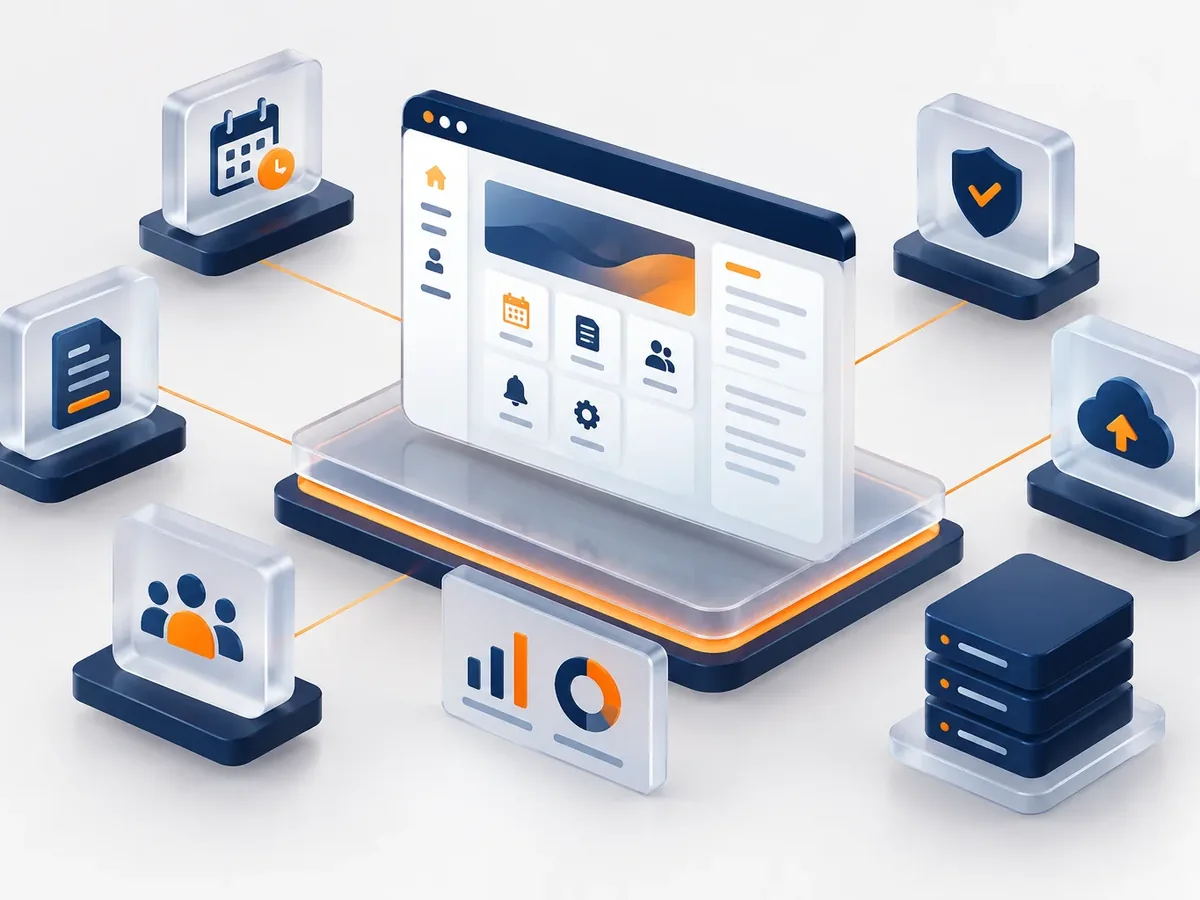
Each company chooses the modules it needs.
Verification letters and pay stubs without HR stepping in.
Vacation, time off, and sick leave in a single workflow.
Onboarding courses and mandatory training.
LMS developmentCompany news and documents in the same login.
Corporate intranet developmentAnswer four questions, and we’ll tell you which type of portal or intranet best fits your case.
We recommend
A corporate intranet
We recommend
An employee portal
We recommend
A private customer portal
We recommend
A B2B platform
We recommend
A vendor portal
We work in short stages, with deliverables you can test. You always know what’s being built, what’s left, and what we need from your team.
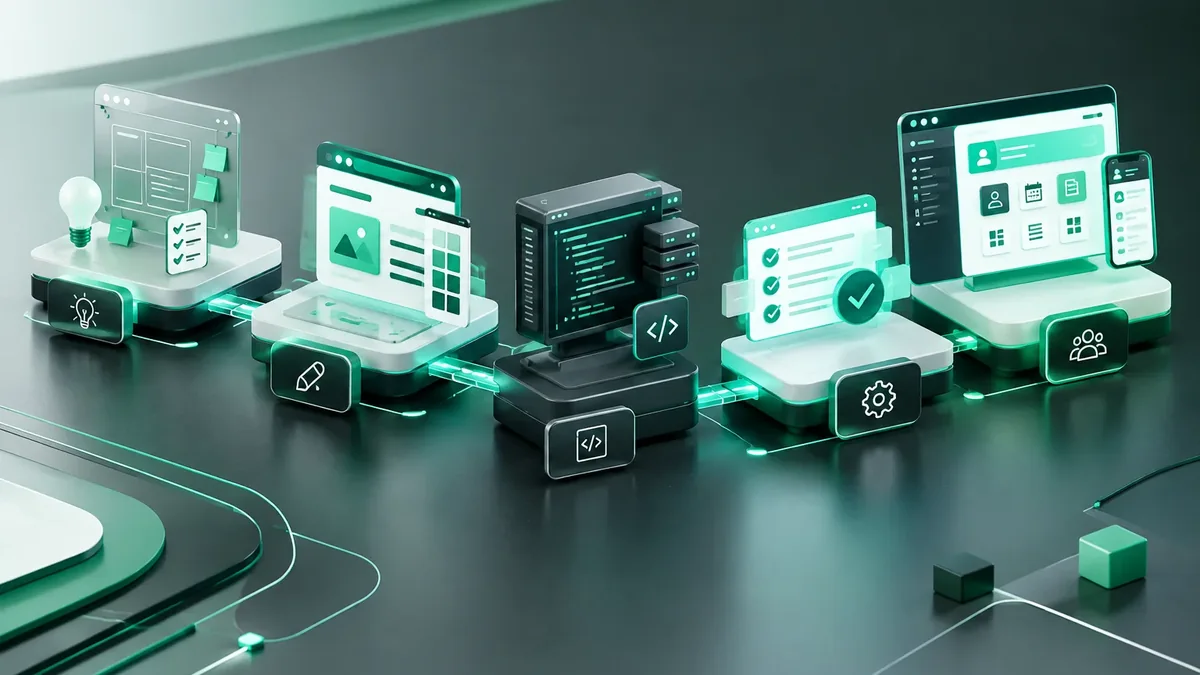
We interview the departments that will use the system and map how information flows today.
You: show us how you work today
You get: a process map and scope
We design the main screens in a clickable prototype to validate them before writing code.
You: test the prototype with your team
You get: an approved prototype
We build and deliver module by module, so your team can start using it soon.
You: test each module
You get: working modules in testing
We load your current data, train each role, and support you through launch.
You: hand over your databases
You get: a live system and user manuals
We measure actual usage and make any needed adjustments during the support period.
You: report adjustments through the support channel
You get: a usage and improvements report
Here’s how the difference feels for HR and for employees.
| Aspect | Requests by email | PACOWEB employee portal |
|---|---|---|
| Employment verification letter | One to three days of waiting. | Instant download, with verification. |
| Vacation | Asking HR for balances every time. | Visible balance and requests in two clicks. |
| Approvals | Emails that get lost. | Notification and approval from a phone. |
| HR workload | Hours every day answering the same questions. | Time freed up for high-value work. |
How many hours a month does your HR team spend on verification letters and time-off requests? We’ll help you get them back.
Companies with many employees or deskless staff.
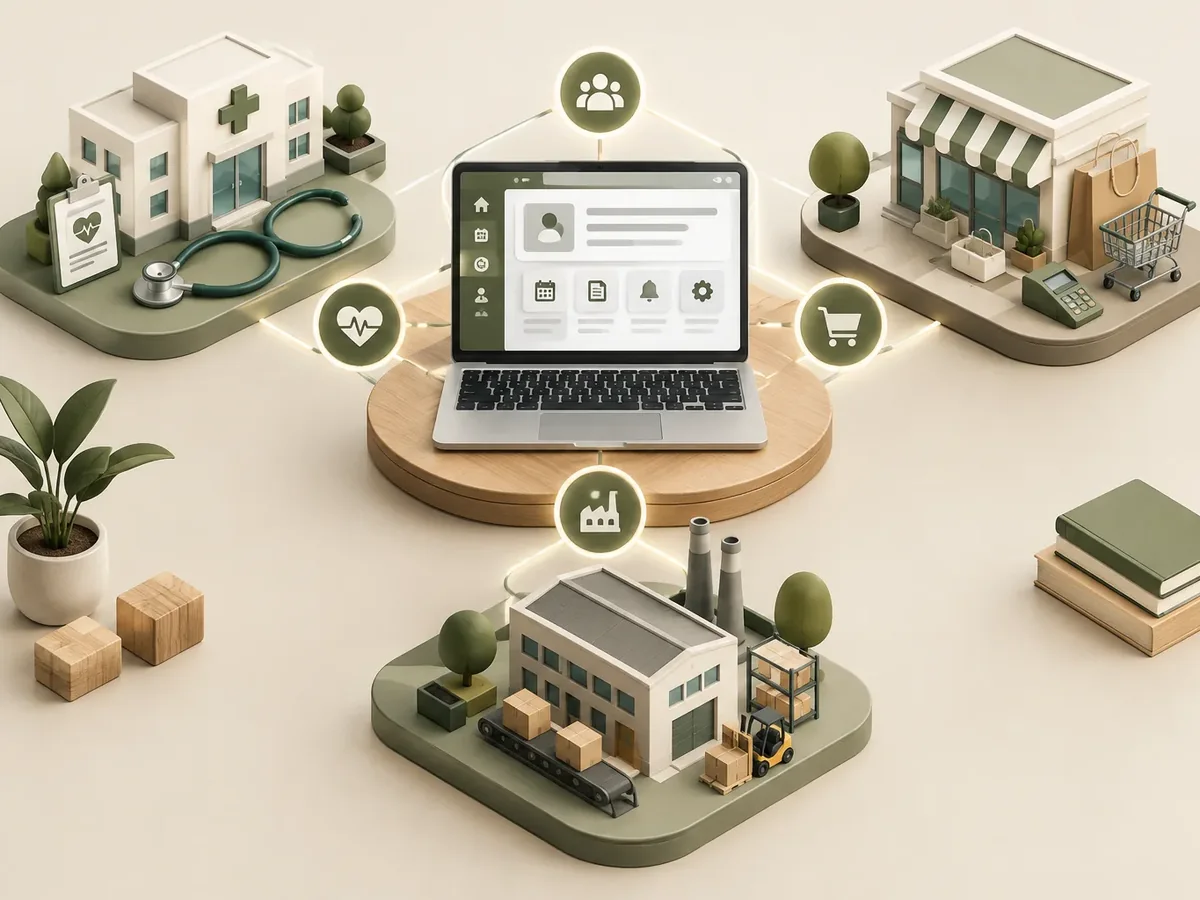
Hourly workers who handle their requests from a phone or a kiosk.
Shift workers across many locations with high turnover.
Large teams with frequent schedule changes.
Yes. We pull payroll data via API or interface files to generate pay stubs and verification letters.
They include a digital signature and a verification code so third parties can confirm they are authentic.
They can log in with their ID number and a password, or with a code sent by SMS or WhatsApp.
Yes: encrypted connections, protected passwords, role-based permissions, and access logs, in line with the privacy laws that apply to your business.
Also searched for as employee self-service portal, employee portal, or HR self-service. It’s a service related to intranets, extranets, customer portals, secure login, and document management, topics we review with you when your project needs them.
Can’t find your question?
What clients most often add to this project.
Tell us how many employees you have and which requests you want to move to self-service. We’ll reply with a proposal.
We reply during business hours (Bogotá time, UTC-5), usually the same day.
