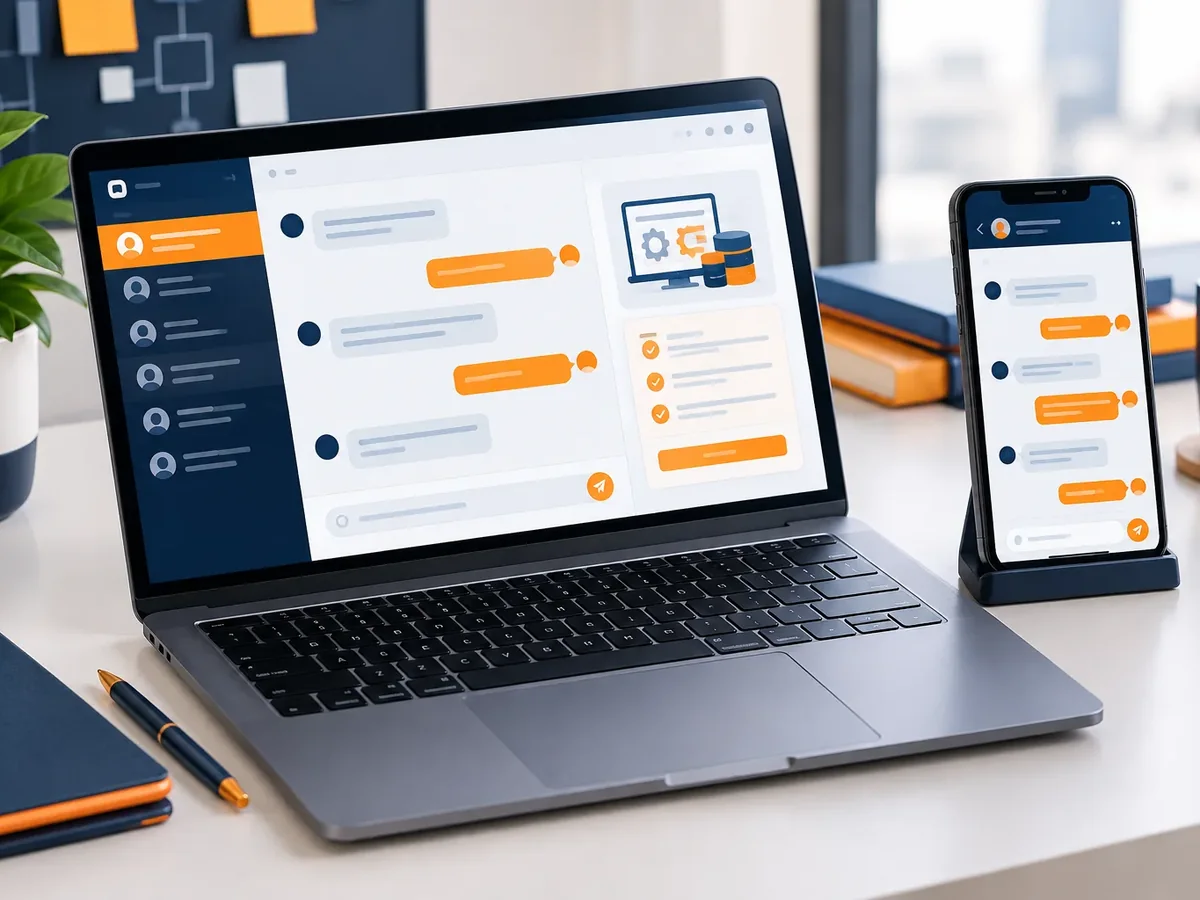
Purchasing and vendors
From request to purchase order, with vendor evaluation.
Vendor portal developmentWe digitize your company’s administrative management with a custom system: purchase requests, travel expenses, contracts, fixed assets, and internal requests with clear approval workflows. Less paper, fewer lost emails, and an audit trail your auditors and management will appreciate.
Updated:
Internal requests in order
900+ projects delivered
You can start with one and add the rest over time.
From request to purchase order, with vendor evaluation.
Vendor portal developmentAdvances, expense reconciliations, and reimbursements with digital receipts.
Internal financial management software developmentDigital records with permissions and retention schedules.
Document management system developmentPayroll changes, time off, vacation, and verification letters.
HR software developmentWe cover the support processes that take up the most hours in your back office.
We work in short stages, with deliverables you can test. You always know what’s being built, what’s left, and what we need from your team.

We review your current tools, who uses them, and where time or information gets lost.
You: give us access to what you use today
You get: an assessment and scope proposal
We define roles, permissions, business rules, and the screens each user needs.
You: validate rules and roles
You get: a functional spec and prototype
We develop in two-week cycles with progress demos.
You: attend the demos
You get: a test version every cycle
We deploy to a secure server, connect integrations, and train your team.
You: schedule the training
You get: a live platform and user guide
Four questions to pinpoint the type of software that solves your main problem. If it helps, we’ll add the result to your request.
We recommend
A CRM tailored to your sales process
We recommend
An ERP that connects your departments
We recommend
A project management platform
We recommend
A custom business platform
Organizations that benefit most from digitizing their support processes.

Expense control by project and documentation for donors and audits.
Purchasing, faculty contracts, and asset control by campus.
Small back offices that need to do more with less.
Paper forms and email work, but they cost you time and traceability.
Is your back office always putting out fires? We’ll help you figure out which process to digitize first.
A purchasing or travel expense workflow can be up and running in a few weeks, and it usually frees up hours for your back office from the first month.
Yes. Approvers get a notification and approve or reject from any device.
Yes. The history of each request and its supporting documents makes reviews easier for auditors, statutory auditors, and donors.
Yes, we can send purchasing and expense data to your accounting system via API or interface files.
People also search for it as back-office software, administrative management system, or business administration software. It ties in with CRM, ERP, business management software, inventory management, and invoicing, which we review with you when your project needs them.
Can’t find your question?
What clients most often add to this project.
Tell us which requests you want to digitize and how many people are involved. We’ll send you a written scope and timeline.
We reply during business hours (Bogotá time, UTC-5), usually the same day.