Private schools
Enrollment, tuition, and communication with families.
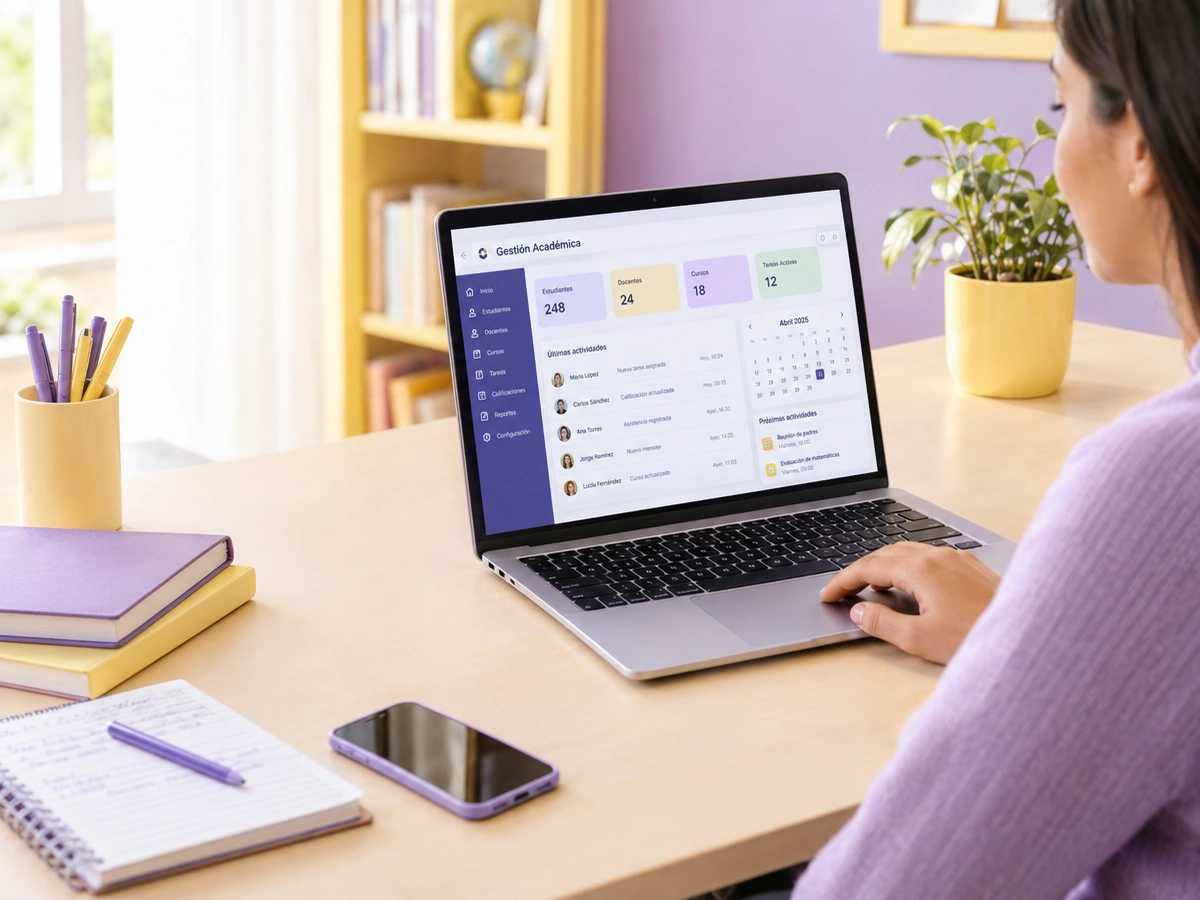
We build school management software that brings enrollment, grades, report cards, attendance, and tuition into one platform. Teachers enter grades from their phones, administrators review before publishing, and parents check their children's progress without scheduling meetings. A school management system that fits your grading scale, your terms, and the way your school communicates.
Updated:
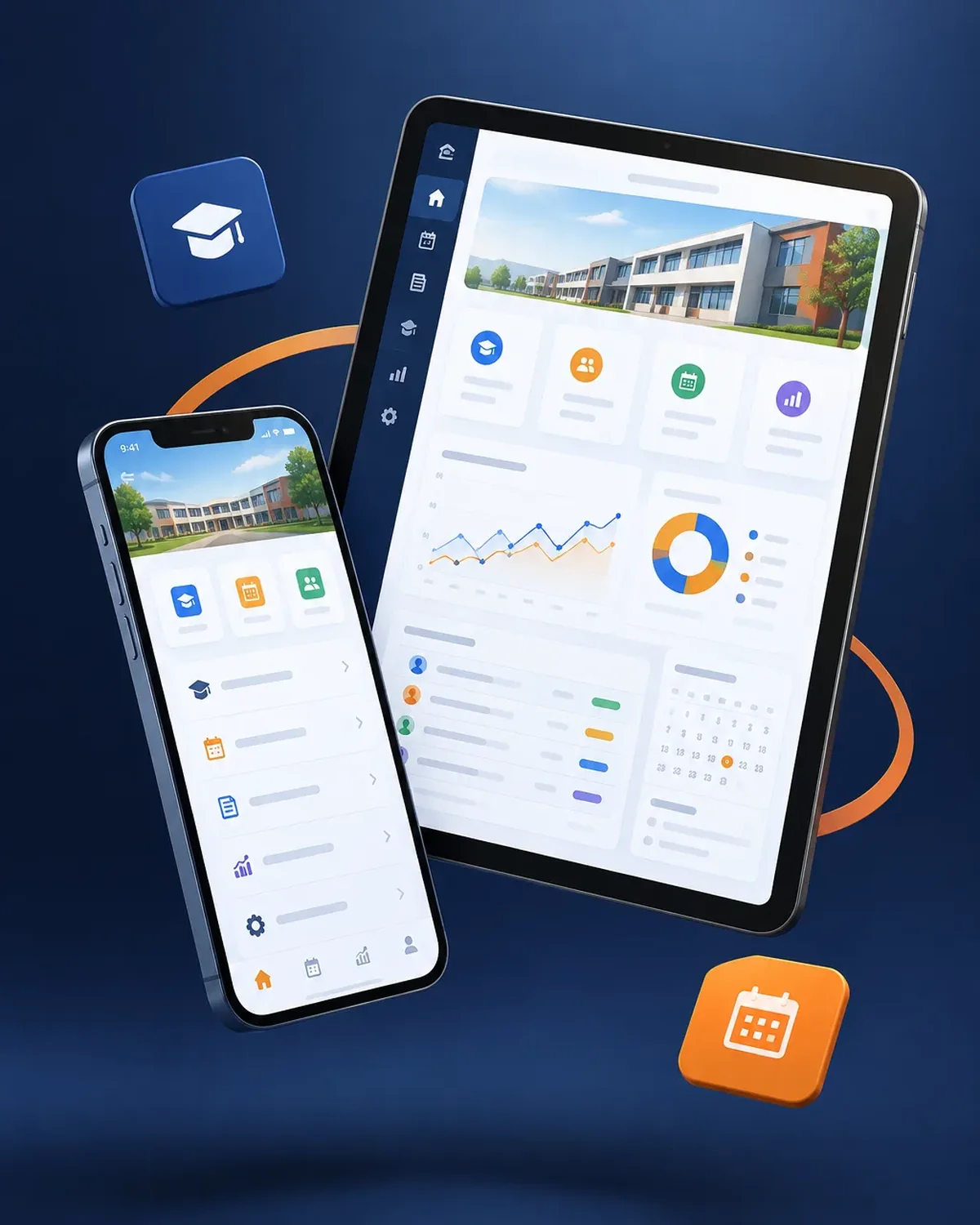
Teachers, families, and the front office in sync
10 years building for businesses
Separate access for administrators, teachers, the front office, students, and families.

The platform changes depending on the educational model.
Enrollment, tuition, and communication with families.
Bilingual report cards and international grading scales.
Courses by level and certificates.
LMS developmentThe public face, connected to the platform.
Web design for schools and educational institutionsAnswer four questions, and we’ll tell you which type of portal or intranet best fits your case.
We recommend
A corporate intranet
We recommend
An employee portal
We recommend
A private customer portal
We recommend
A B2B platform
We recommend
A vendor portal
We work in short stages, with deliverables you can test. You always know what’s being built, what’s left, and what we need from your team.

We review your current tools, who uses them, and where time or information gets lost.
You: give us access to what you use today
You get: an assessment and scope proposal
We define roles, permissions, business rules, and the screens each user needs.
You: validate rules and roles
You get: a functional spec and prototype
We develop in two-week cycles with progress demos.
You: attend the demos
You get: a test version every cycle
We deploy to a secure server, connect integrations, and train your team.
You: schedule the training
You get: a live platform and user guide
Both are educational, but they answer different questions.
If your school needs both, they can be integrated with a single sign-on.
Different sizes, same headaches at the end of each term.

Daily reports to parents and assessment by developmental area.
Centralized grades and enrollment, with reports by campus.
Terms and grading scales set up to match your calendar.
Can’t find your question?
Message an advisor and we’ll get back to you during business hours (Bogotá time, UTC-5).
No. They log in from their phone's browser with their username. If you need it, we can also publish it as an installable app.
Yes. Grading scales, terms, subject areas, and weightings are set up from the admin panel without touching code.
It depends on the modules. Ideally, you launch at the start of a school year or term, so we plan the student data load ahead of time.
We migrate them from your system or from Excel so the academic history is complete.
It’s also known as academic software for schools, a gradebook platform for schools, a school management system, or software for educational institutions. It relates to intranets, extranets, client portals, secure login, and document management, topics we review with you when the project calls for them.
What clients most often add to this project.
For schools and universities: these services are related, but they solve different problems. Choose based on what you need.
Tell us how many students and campuses you have and what you use today for grades and tuition. We’ll send you a proposal.
We reply during business hours (Bogotá time, UTC-5), usually the same day.